

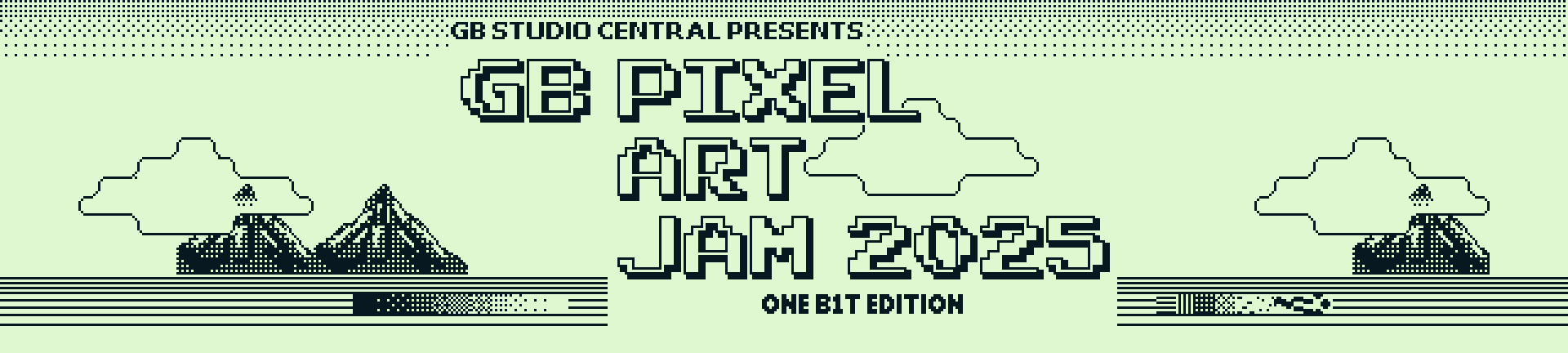
Calling All Pixel Artists!
One Bit Edition
Theme: Balance
Our 3rd year, we're taking things down a notch by enforcing a 1-bit color depth challenge.
What does that mean? Your image can only be made of 2 colors, pure black and white.
What?
Pixel art for the Game Boy. One image 160px by 144px.
Theme?
To be announced at Jam start. (In addition to the 1 bit color restriction).
How?
Make a 160px by 144px scene for the game boy, using only black and white pixels.
There must not be more than 192 unique 8px by 8px tiles in the image.
The images will be compiled into an actual GB ROM and some tiles need to be reserved for text.
Rules Summary
- Original pieces of work
- submit (x1) 160px by 144px .png file using only black and white
- SFW (Safe For Work)
- No AI or automation, make it by hand, push and pop those pixels
- Prizes randomly assigned and not based on criteria
- One submission per artist
Why Participate?
All submissions will be included in a downloadable Game Boy ROM after the event.
Read below for more detail. I draw your attention to the bottom of this page for RESOURCES and SUBMISSION TIPS.
 GB Studio Central
  GB Studio
  Bad Dad
  Brandon James Greer
  Lospec
The GB Studio Pixel Art Jam 2025 is an image based art jam designed to encourage artists to try their hand in making beautiful pixel art for the Game Boy. Instead of a juried or rated/ranked competition, this Jam will function like a creative studio event where submissions will be included in a Gallery ROM created with GB Studio that can be played on a Game Boy. We want to challenge artists to make something that will work in the context of a GB Studio project, so there are technical parameters that must be followed for your entry to qualify.
Image Parameters
All files must be:
- 160 x 144 pixels in dimension (the size of a Game Boy screen)
- 2 colors only, pure black and white
- A maximum of 192 unique 8x8 pixel tiles
- PNG format
While the Game Boy and GB Studio are able to render more than 192 tiles, that is the limit for displaying dialogue on screen. We'll be using dialogue boxes for the artist credits and links, hence the limitation, plus it adds an extra layer of challenge.
Rules In Full
Jam runs from October 3rd 7:00 PM EST to October 5th 7:00 PM EST. All submissions must be original pieces of pixel art created by hand. Pieces should be in only black and white and fit the theme (to be announced on October 3rd 7:00 PM EST). One submission per person.
As pieces are to be created by hand, images created with camera based image tools (including the GB Camera), AI generated art, or images built in other software then downsampled to GB specifications are not permitted. Using other images as references is allowed. The hosts of the Jam reserve the right to disqualify submissions if use of these tools is suspected, or if images submitted are low effort or overtly used as self promotional and not in the spirit of the Jam. Any style of pixel art is welcome and you are encouraged to showcase your unique take on the medium.
NSFW material is not permitted. All work must be family friendly, no depictions of violence, gore, nudity or sexual activity. Images that are politically charged or intended to incite adversarial responses may be disqualified from the Jam at the host's discretion.
By submitting to this Jam, you agree to allow your work to be used in the Gallery ROM that will be produced for this event. The ROM will be available as a free Digital Download after the event. You also allow for your work to be shared and published/reproduced in GB Studio Central's other media, such as our social media networks, website and magazine. All work will be credited and links to your profile/portfolio will be included if provided with your submission.
Prizes
Ten submissions will be randomly selected to win a Game Boy Cart of the Gallery ROM produced from the images submitted, provided in part by insideGadgets. Of the ten winners, one will be selected to win a special anodized aluminum cart from Boxy Pixel.
Resources
To help you make sure your pixel art conforms to GB Studio specifications, check out these resources:
Official GB Studio Documentation
Basics: Backgrounds on GB Studio Central
Pautomas' Tile Counter
Participants are encouraged to share tips or other resources and links in the community message board for this Jam. Brandon James Greer also created these videos showing some 1-bit pixel art techniques: 1-Bit Detective Boy Playlist
Use the following image for your project cover image. It contains an alpha transparency, use as a layer over your resized art. Simply right click and select "save image as".
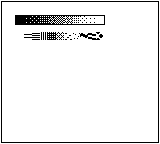
The smaller image is a 160px by 144px scene with some texture and dithering to get you started.

Submission Checklist
- create a new project on your itch dashboard
- upload (x1) 160px by 144px image as .png file for download
- upload (x1) upscaled cover image. Feel free to add the Pixel Art Jam 2025 cover to your upscaled image (see above in resources)
- add a screen shot to your project (the pixel art, upscaled, without the Pixel Art Jam 2025 cover)
- feel free to write about your image on your project page
We recommend describing your itch project page as an asset/tool.
When you increase the size of your image, in the app you use, make sure you choose “no interpolation” or “nearest neighbour” for crisp big pixel goodness.
Thank you for reading until the end, and thank you for joining the Jam and I hope you will submit a piece!


