
Thank you so much! I'm really happy to hear that you find the plugin useful.
I hope it can help you bring even more atmosphere to your project.
I’m really curious to see how you’ll use it, so feel free to share your results or feedback anytime!
Region Sound MZ v1.0
by axgin96
Introduction
Hey! I’m axgin96, a small dev who sometimes hacks together tiny plugins to make RPG Maker work the way I need. When they help me, I share them—hopefully they’ll help someone else too.
RegionSoundManager does one simple, handy thing: it binds ambient sounds (BGS) to map Region IDs. Paint your river with a Region, assign a water sound, and the plugin handles the rest—volume fades in as you get closer, fades out as you leave, and multiple regions can layer nicely for richer ambience.
Features
• Region-based ambient audio (BGS)
• Smooth volume transitions / proximity falloff
• Supports multiple regions concurrently
• Simple API with three calls (set, clear, stop)
• Plug-and-play; no custom eventing needed beyond a Parallel event/common event
Screenshots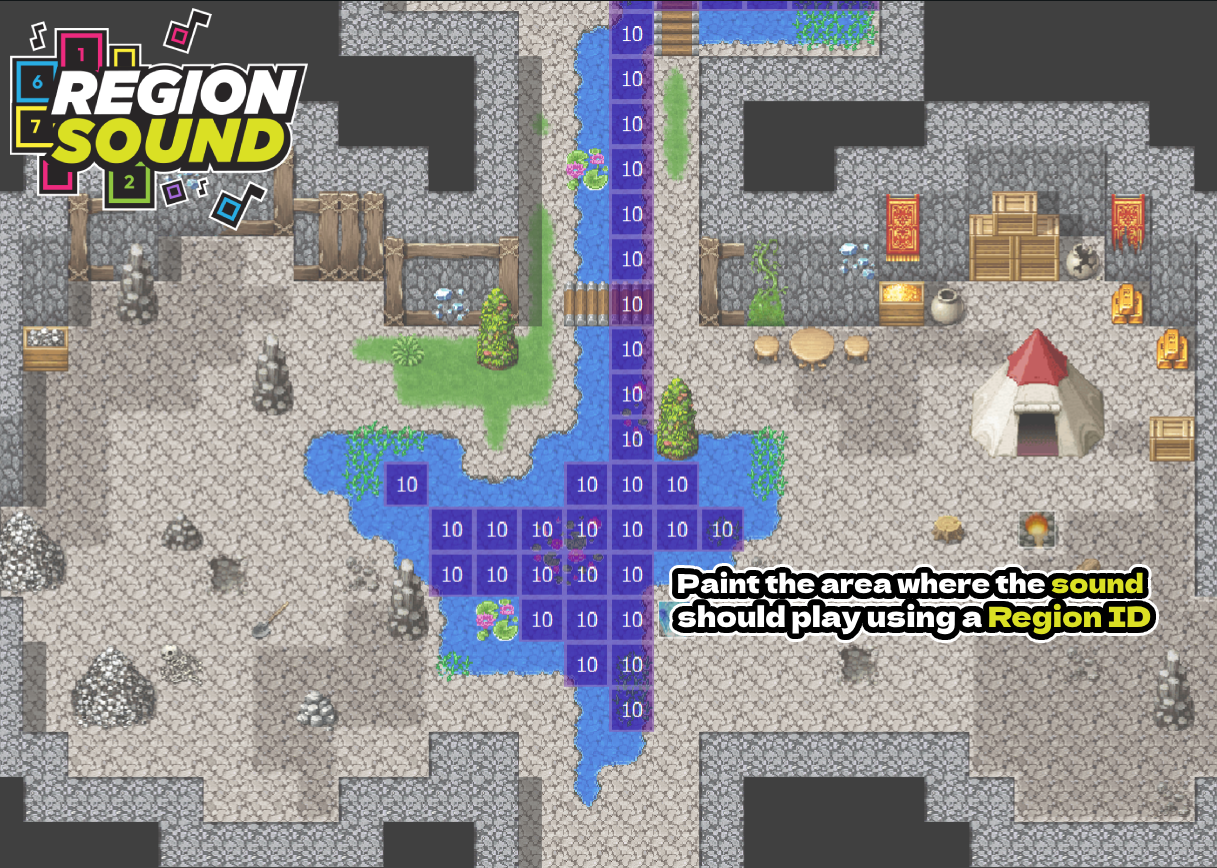
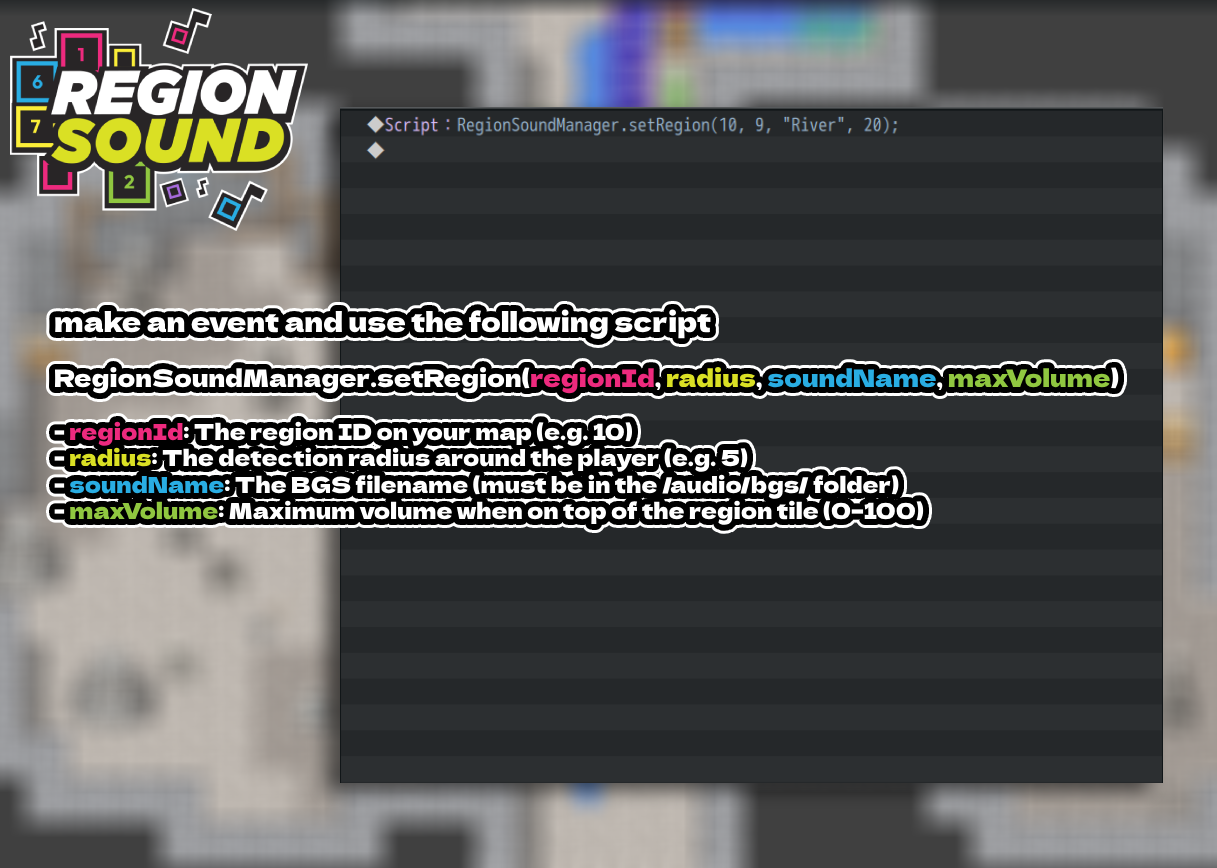

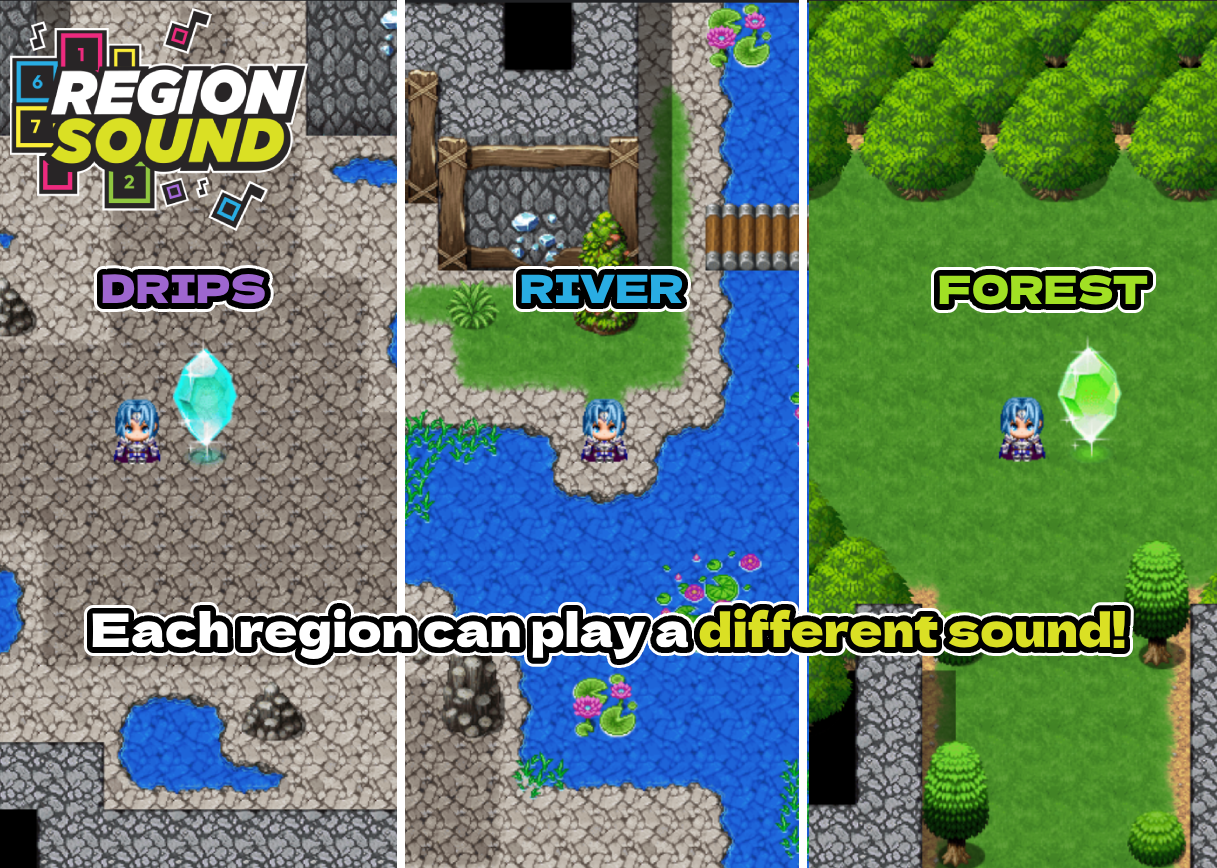
How to Use
Plugin Commands / Script Calls
Code:
RegionSoundManager.setRegion(regionId, radius, soundName, maxVolume)
• regionId: Region ID on your map (e.g., 10)
• radius: Detection radius around the player (e.g., 5 tiles)
• soundName: BGS filename in /audio/bgs/ (without extension)
• maxVolume: Max volume on top of the Region (0–100)
Example:
Code:
RegionSoundManager.setRegion(10, 4, "River", 80)
Utilities:
Code:
RegionSoundManager.clear()
— removes all active region sounds
Code:
RegionSoundManager.stop()
— stops the current playing BGS
Demo
An empty project demo is included so you can test right away. It’s configured with sample Regions and BGS to showcase all features.
Download
https://axgin96.itch.io/regional-sound-mz
Terms and Credits
• Free to use in both non-commercial and commercial projects
• Credit: axgin96
• You may include the plugin in your released games/projects
• Disclaimer: Created as a passion project; support/updates not guaranteed.
Hello everyone, Here’s a small but meaningful update to the Minecart Ride plugin for RPG Maker MZ.
Hi everyone,
I'm new around here! My name is axgin96.
For some time now, I've been working on a small personal project using RPG Maker MZ, just for fun. During development, I often found myself needing features that aren't easy to implement with the default tools.
One of those was creating a minecart mini-game.
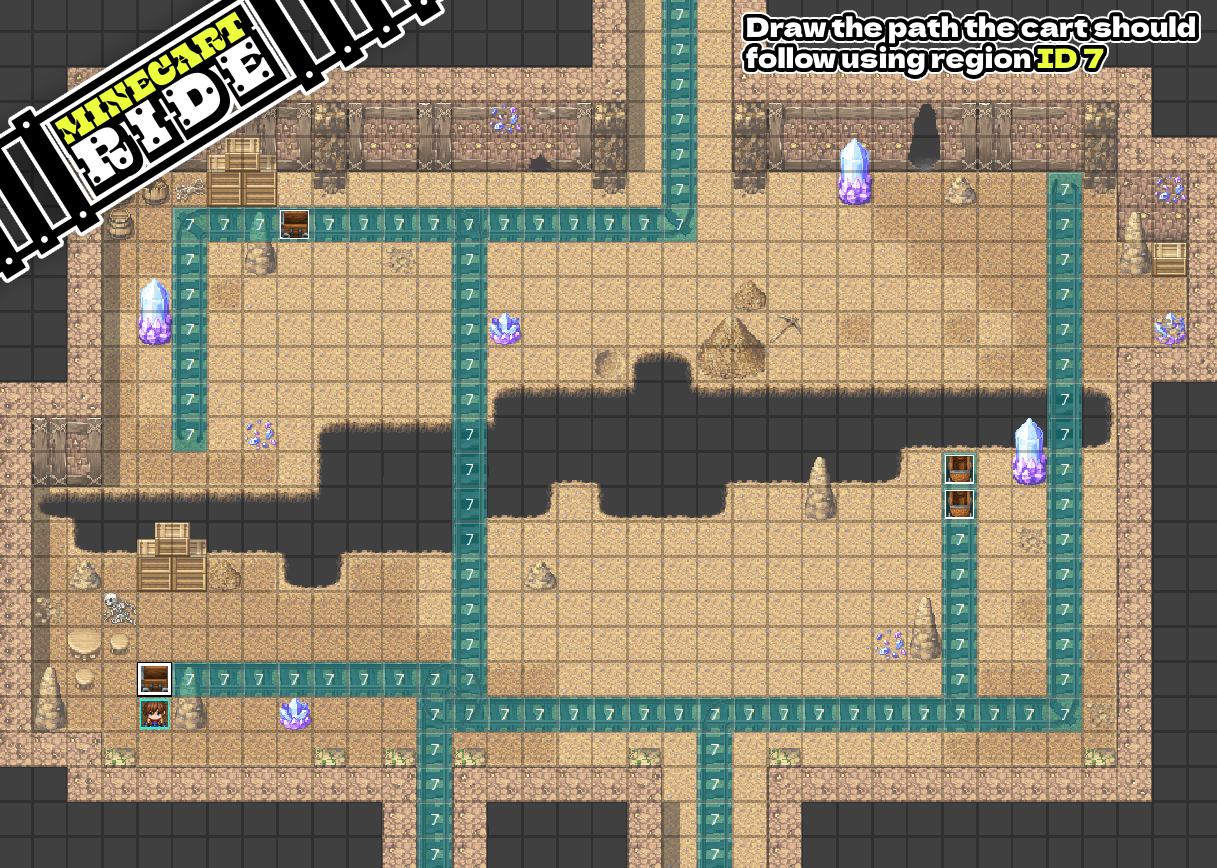
Manually writing the movement route for the cart every time was frustrating and limiting, so I thought:
“Why not make the minecart move automatically along a Region ID path?”
That's how I ended up creating my first plugin: Minecart Ride.
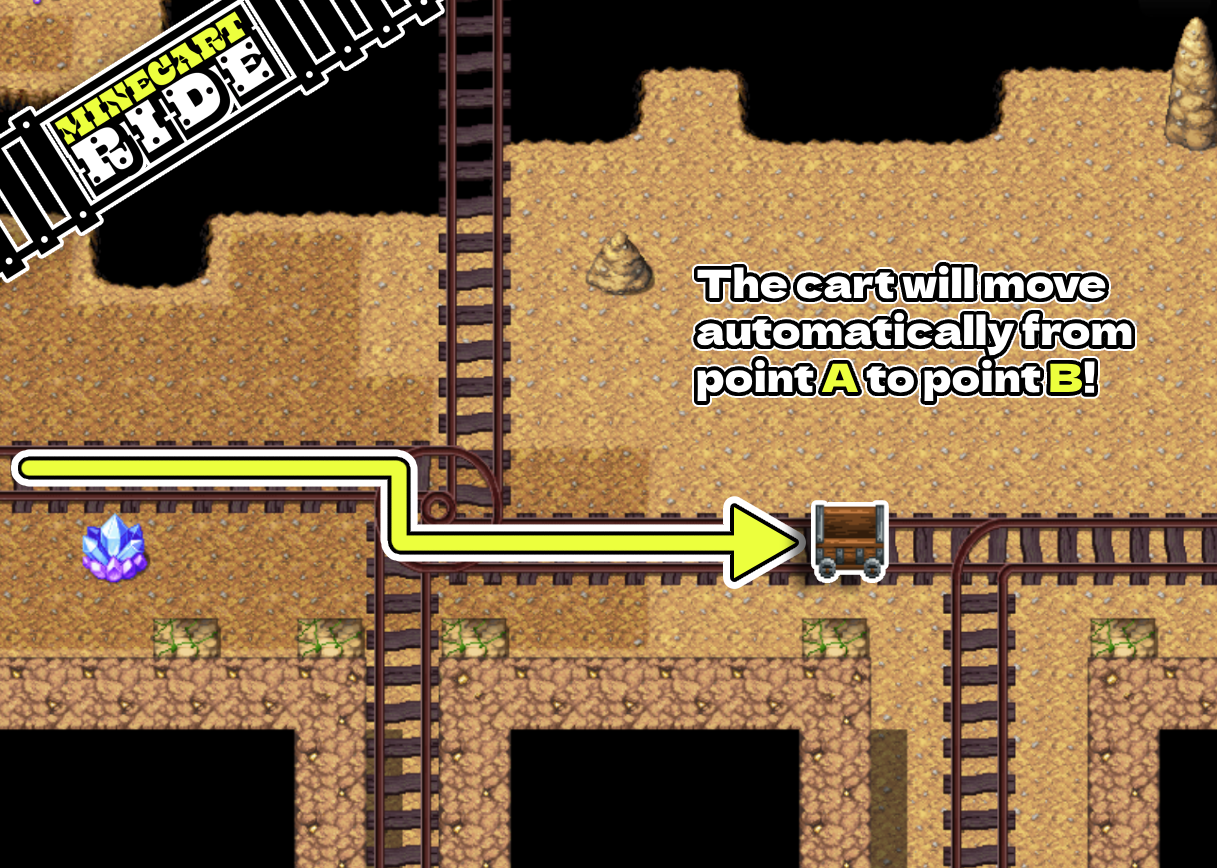
It allows you to:
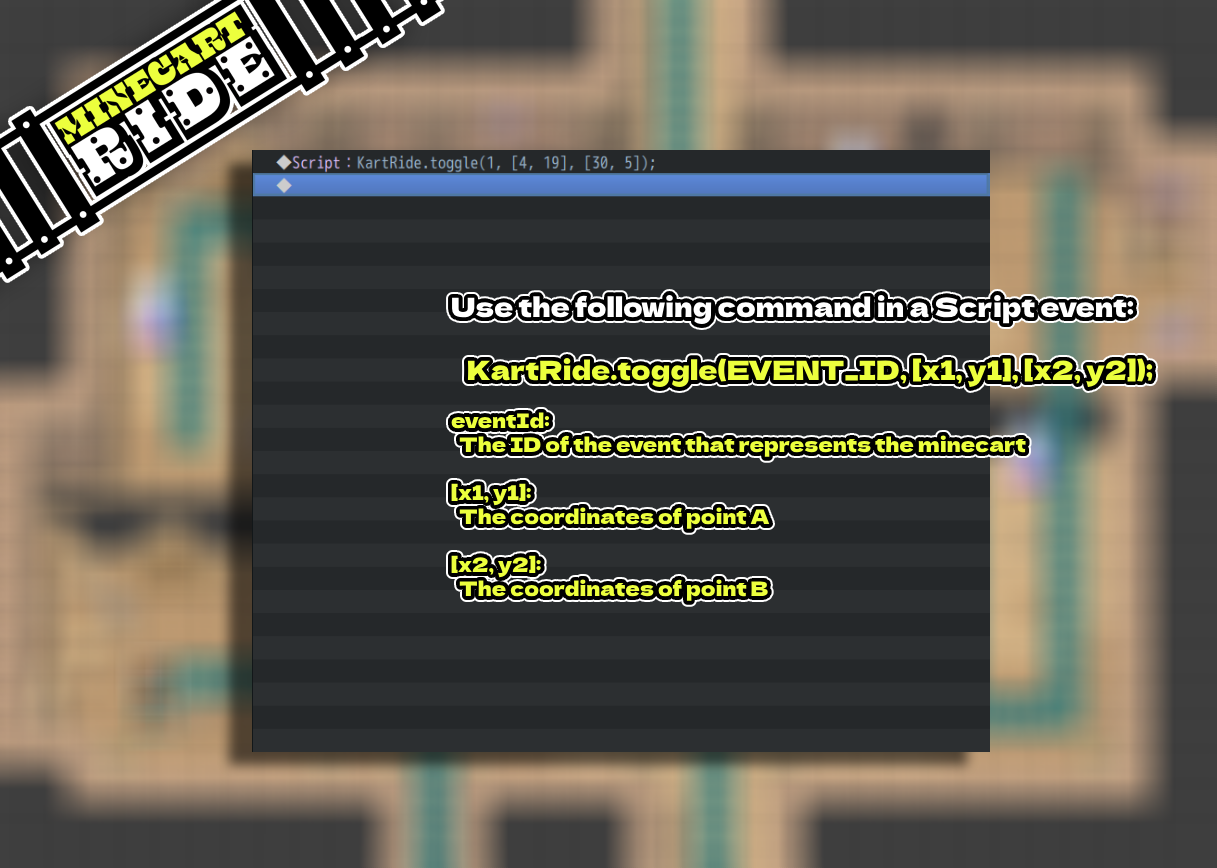
Set a start point and an end point
Draw the track using Region IDs (default is 7, but it can be changed in the script)
Have the minecart move automatically along the track, without having to manually define every movement step
Simple, efficient, and reusable.
Perfect for mini-games, dynamic dungeon sequences, or cutscenes
Greatly reduces eventing complexity
Works out of the box, no extra plugins needed
Download it here: https://axgin96.itch.io/minecart-ride
I'm not a professional developer, but I'm doing my best to improve.
If you try it out, I’d love to hear your feedback or any suggestions for improvements.
Thanks for reading, and I hope Minecart Ride can be useful in your own projects.