

Refactoring BattleSystem, Inventory UI, Font Update
17/12/2025
[ Refactoring BattleSystem ]
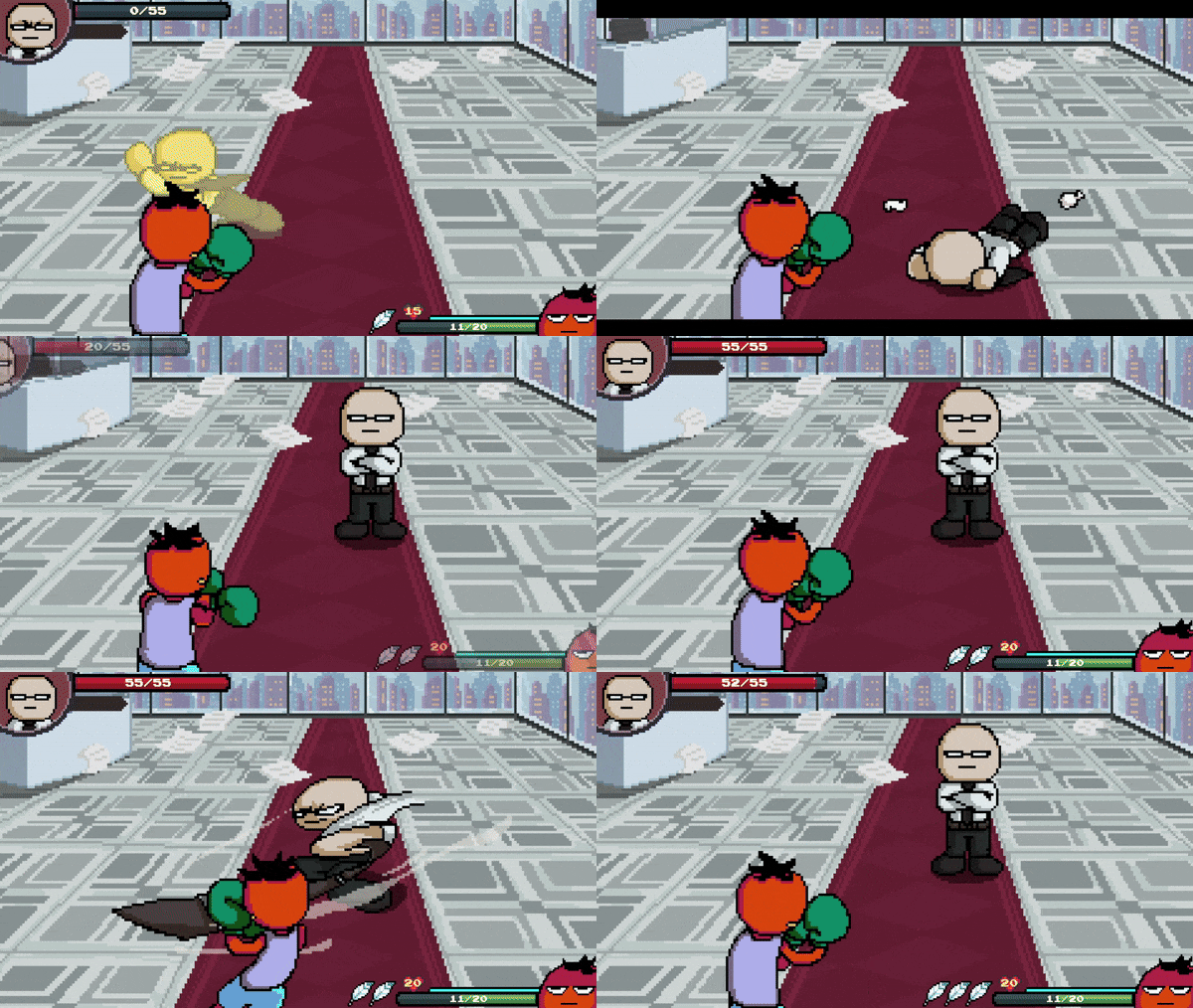
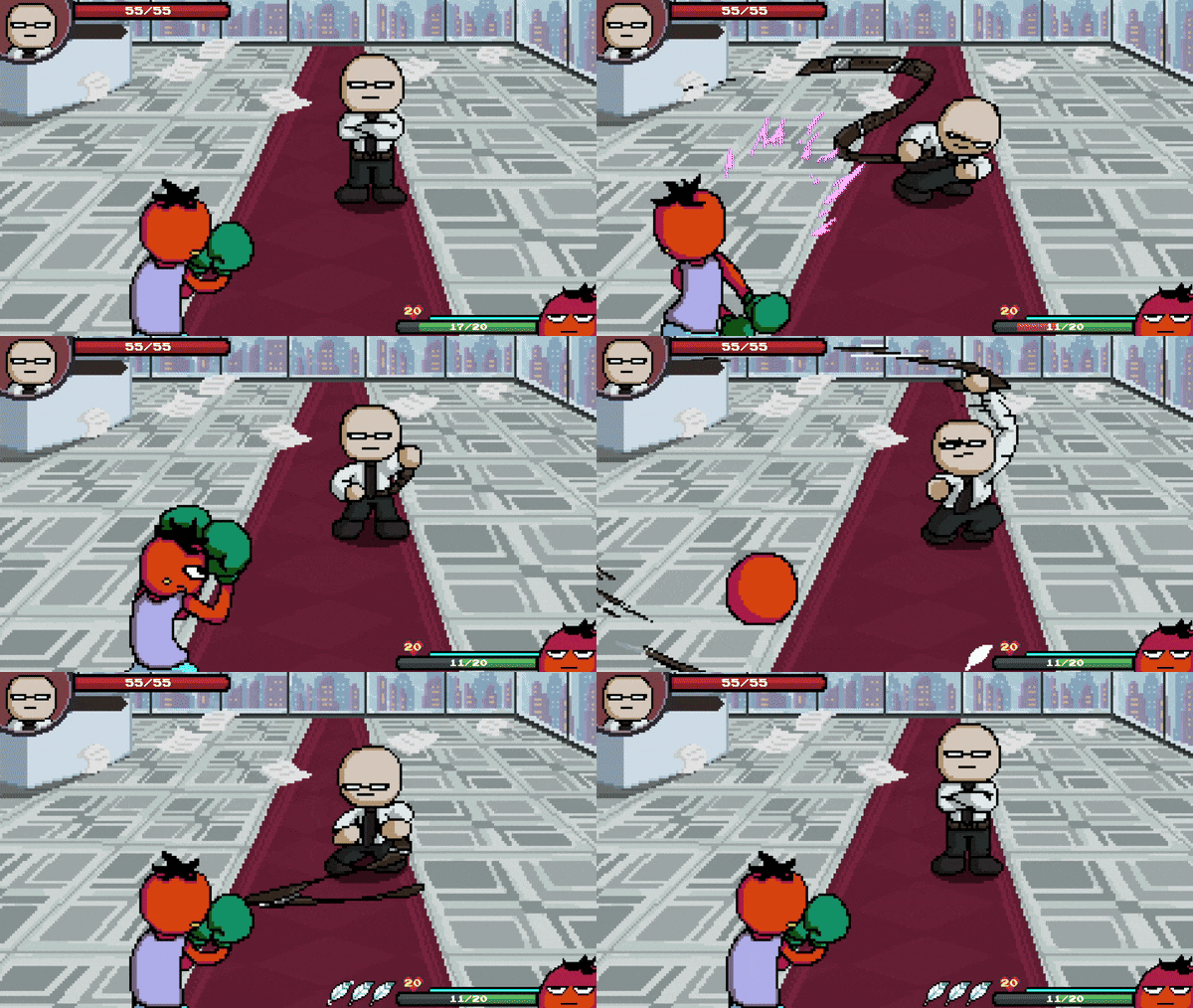
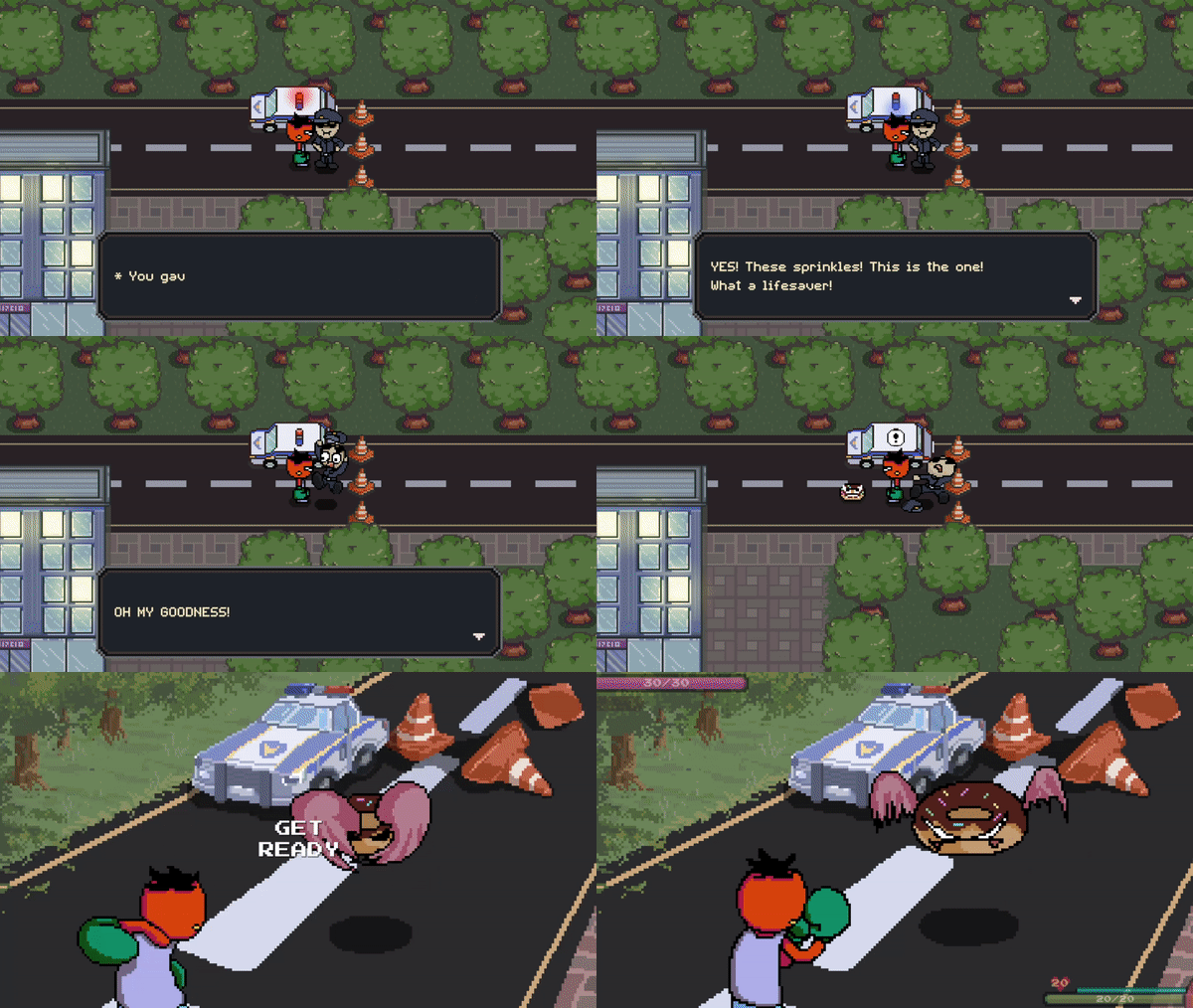
I decided to completely discard the old battle system code and inventory UI code and start from scratch.
That’s what I’ve been doing for the past few months.
It was definitely a scary decision, but I think it was worth it.
Especially with the old battle system, the code was becoming too much of a spaghetti code.
I already had future enemies and upcoming gimmicks in mind.
If I kept going without any fixes, the battle system was bound to get out of control.
For the battle system, I reworked the overall architecture into a more
finite-state-machine–driven design (except for some UI logic).
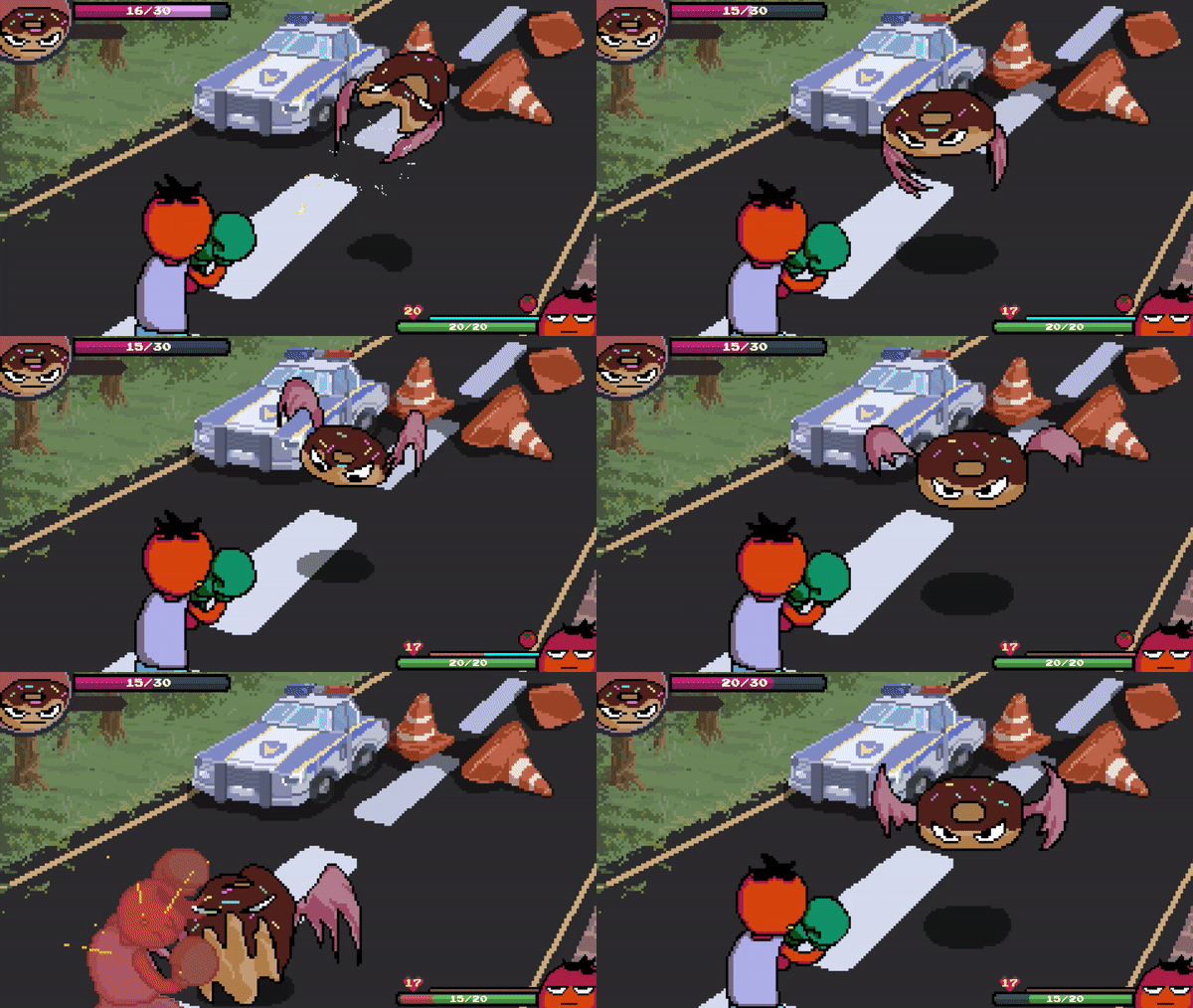
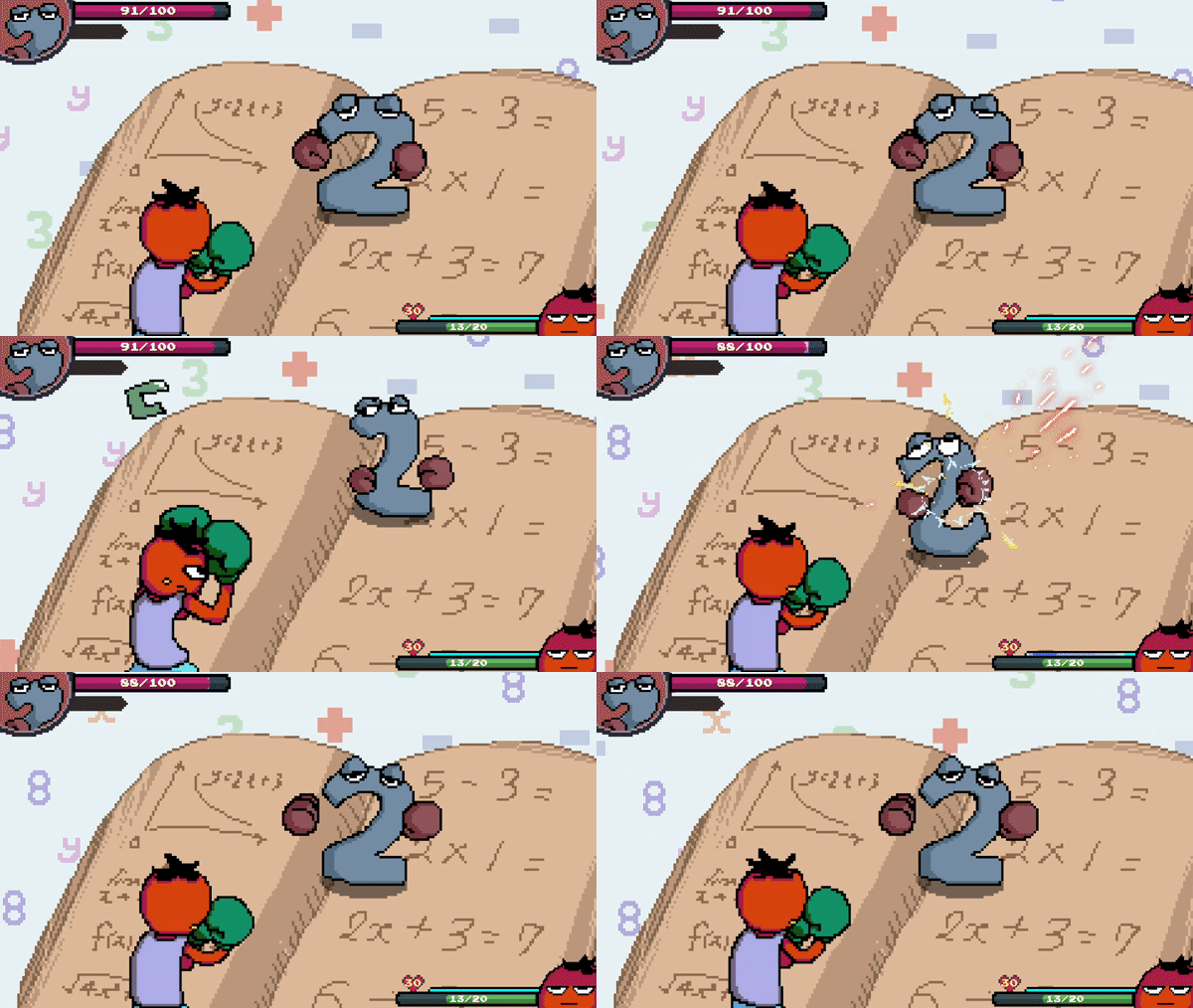
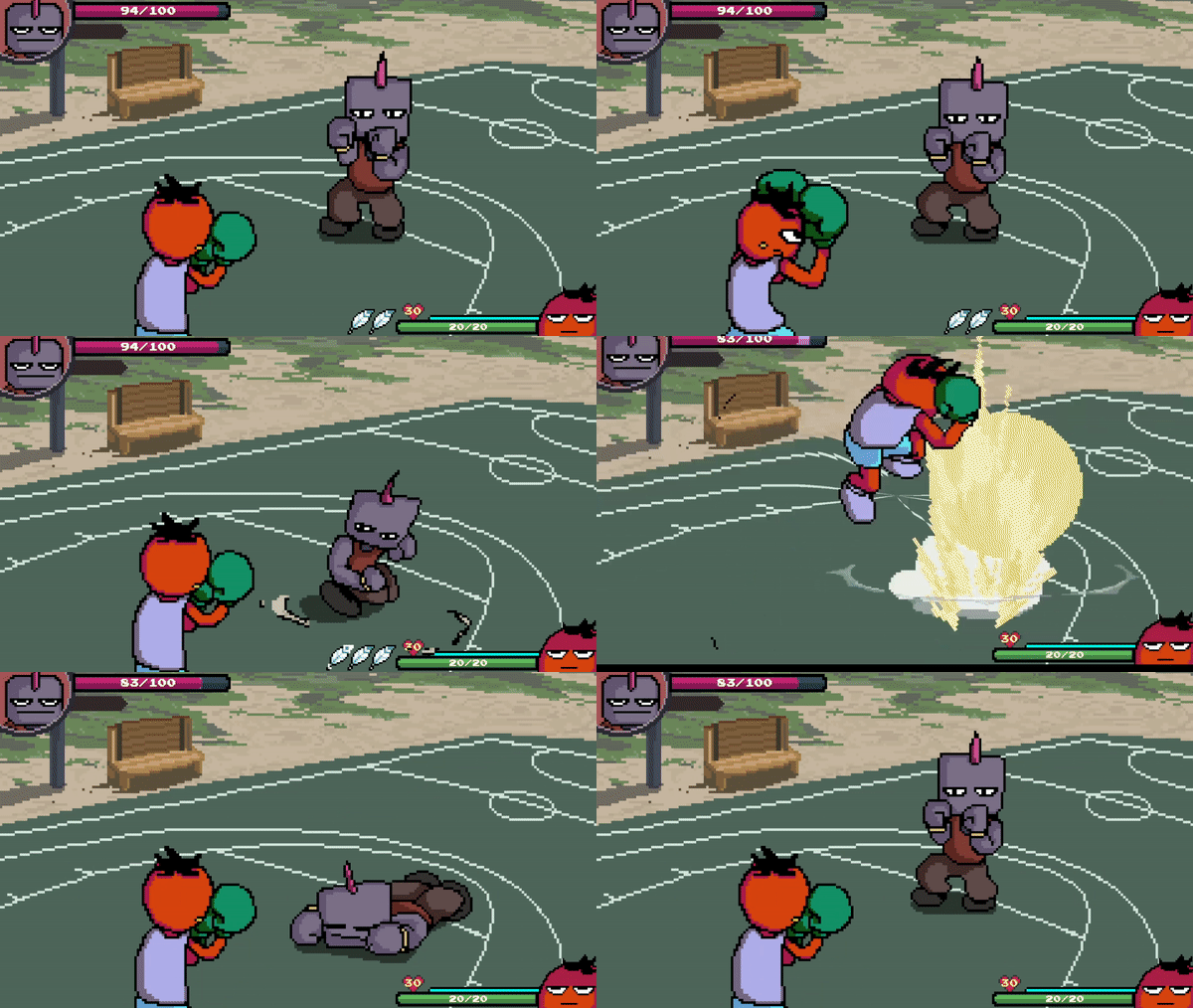
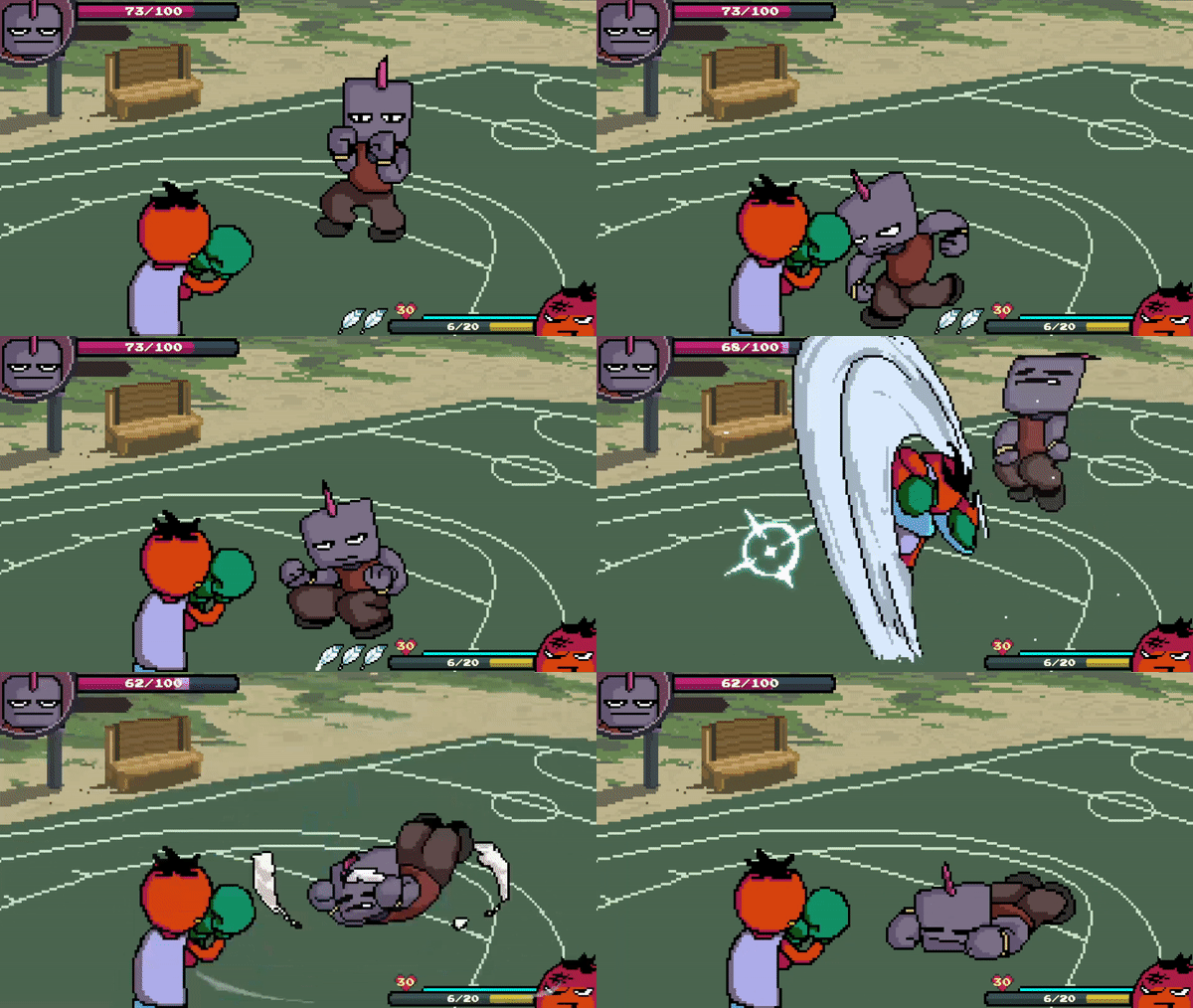
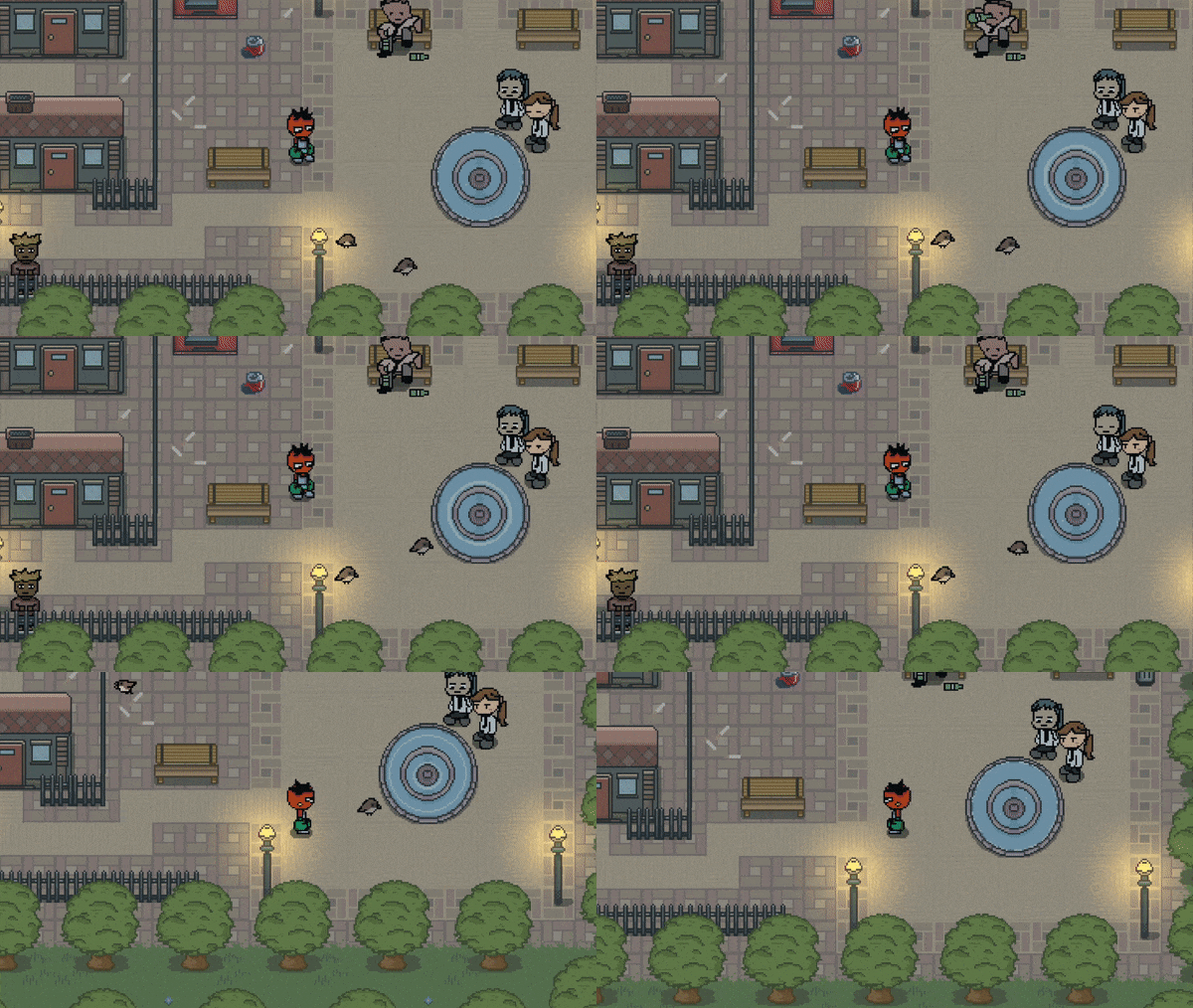
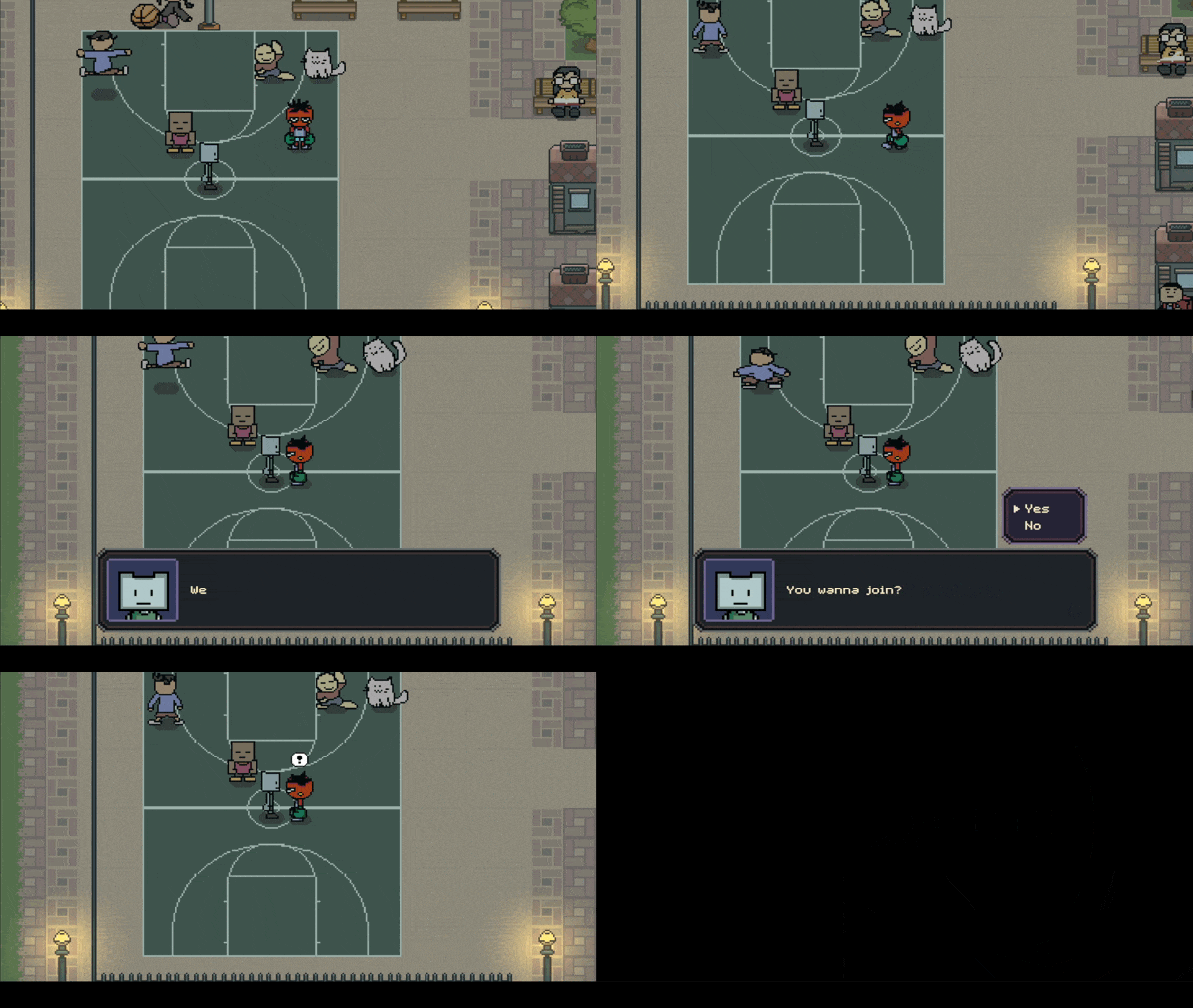
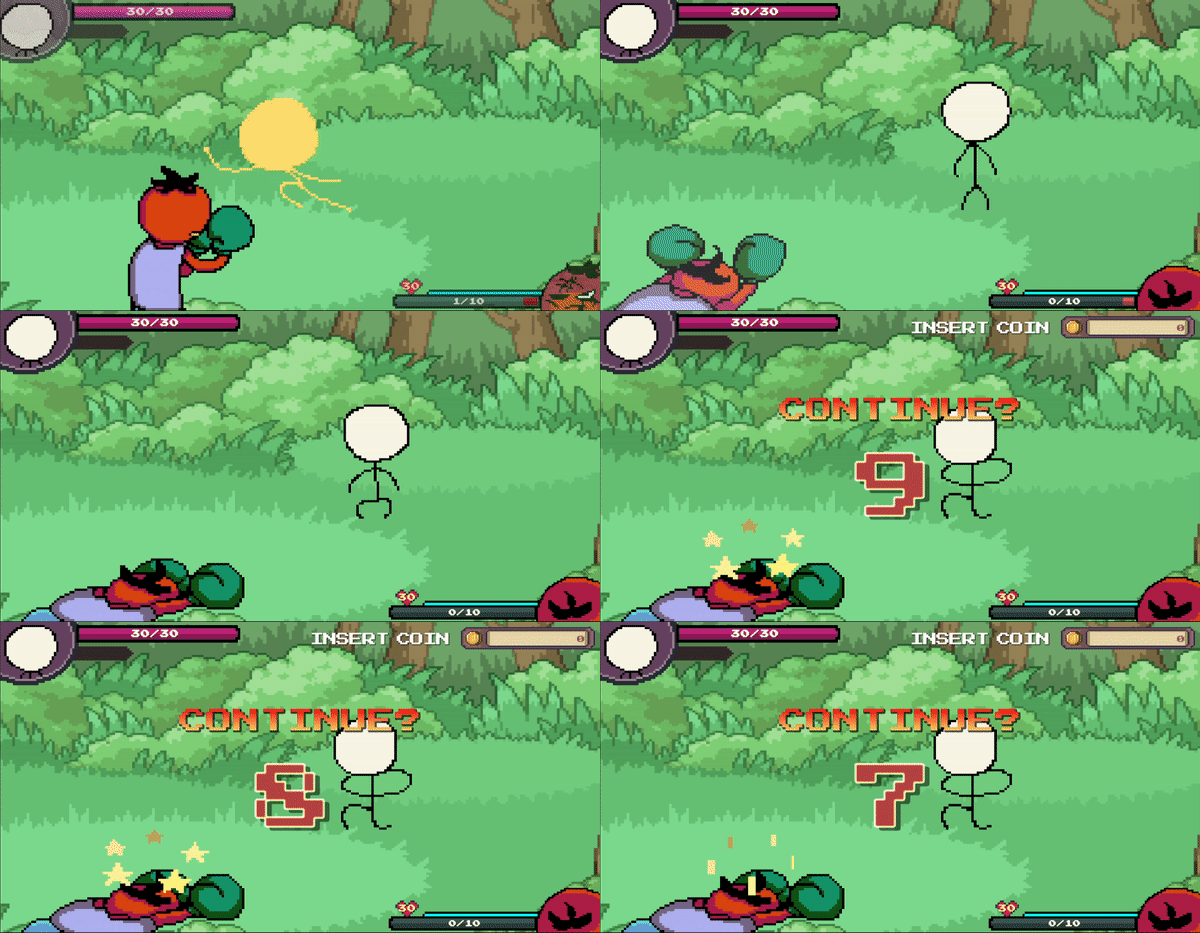
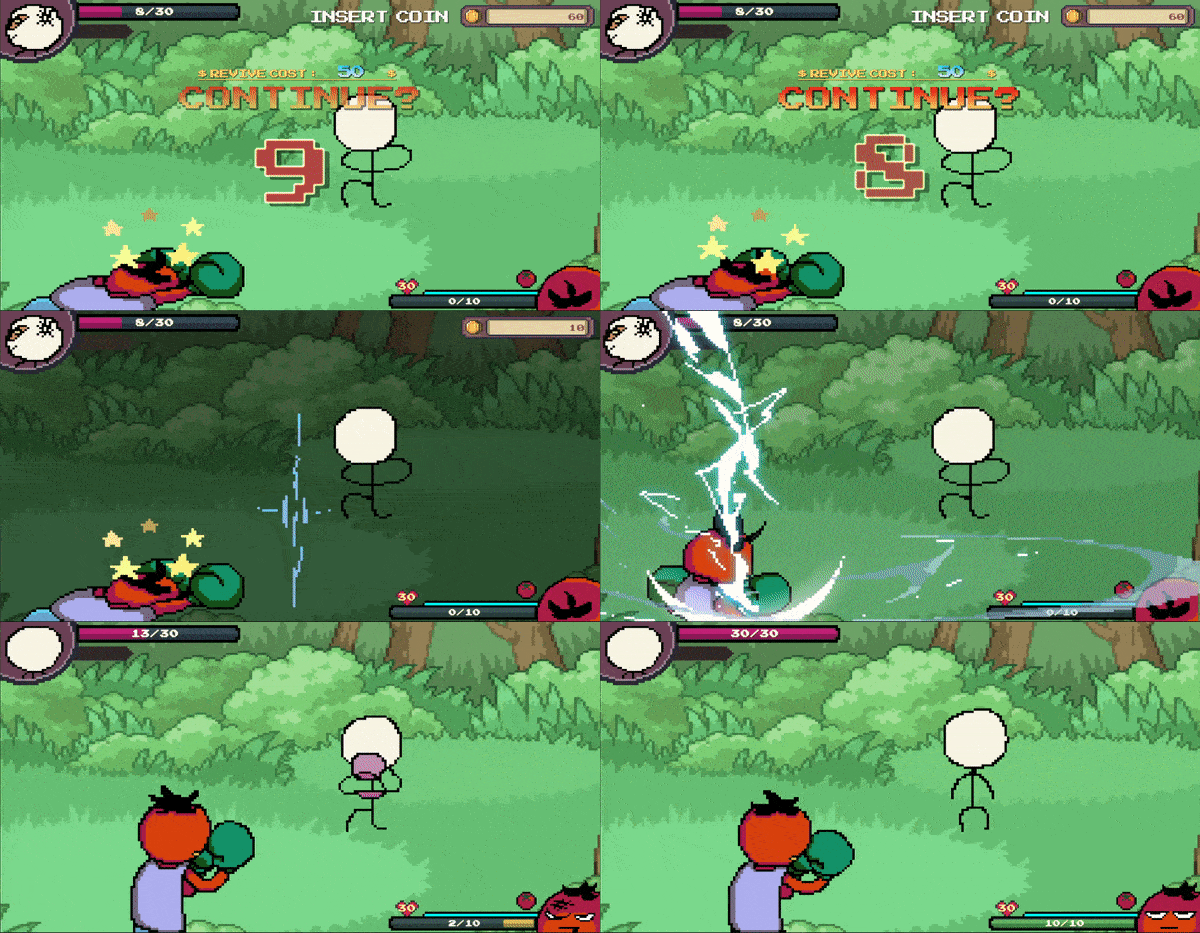
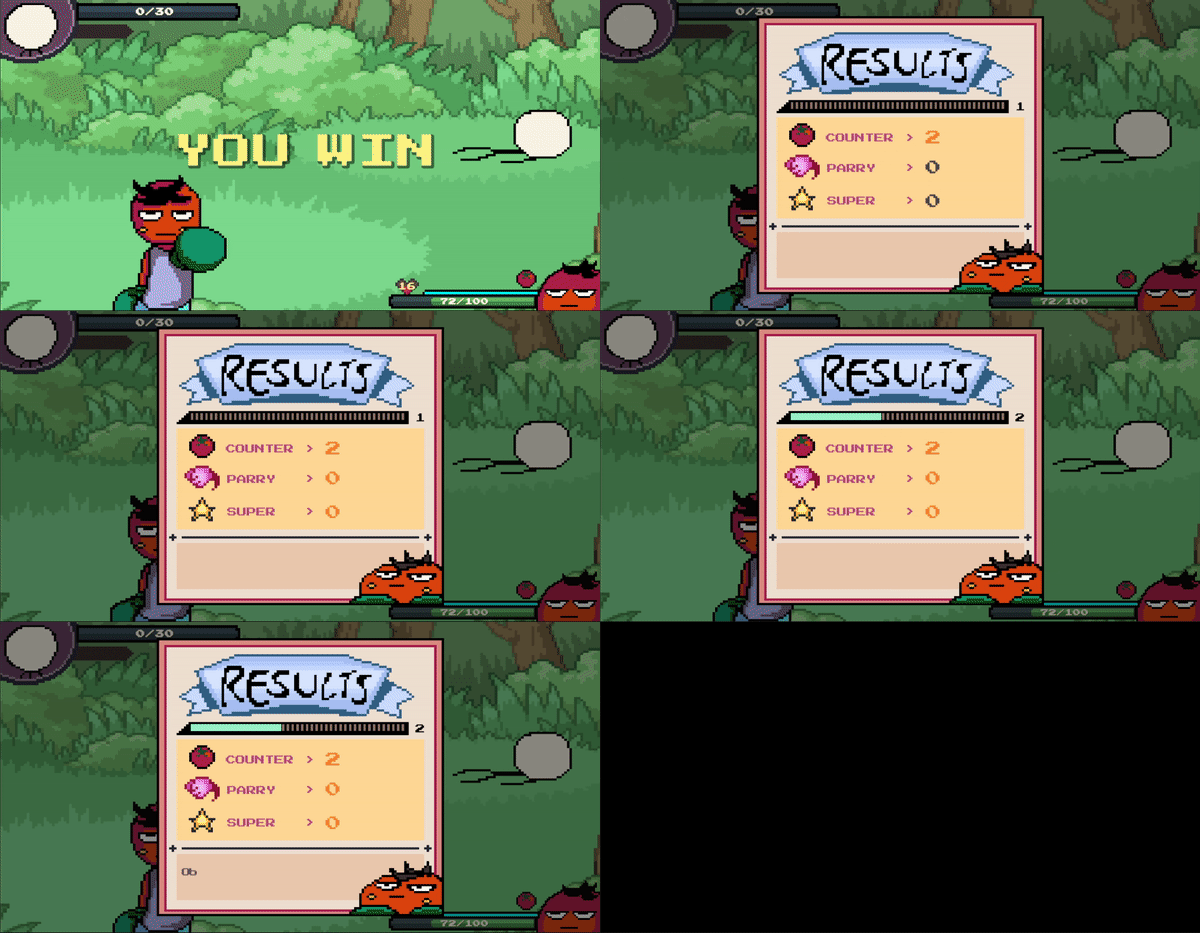
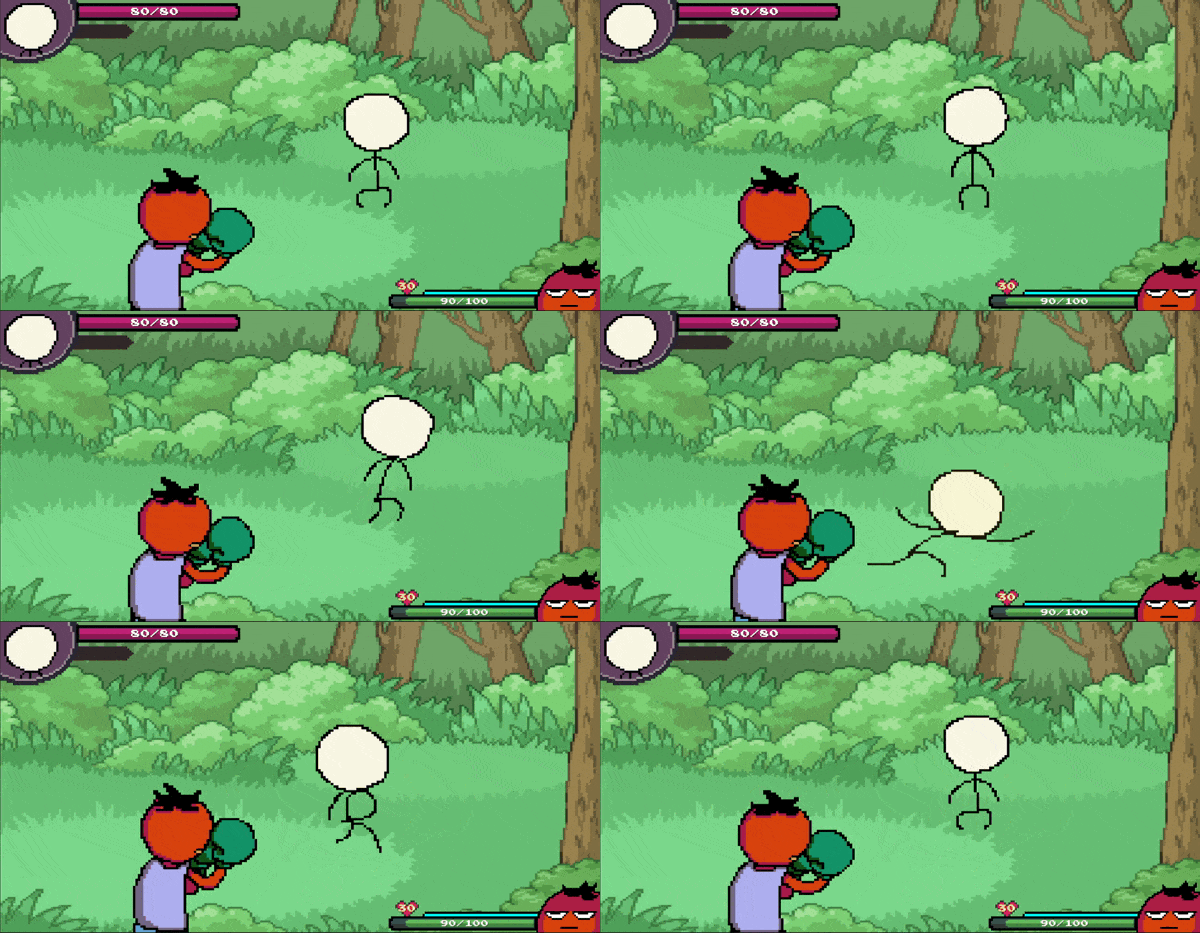
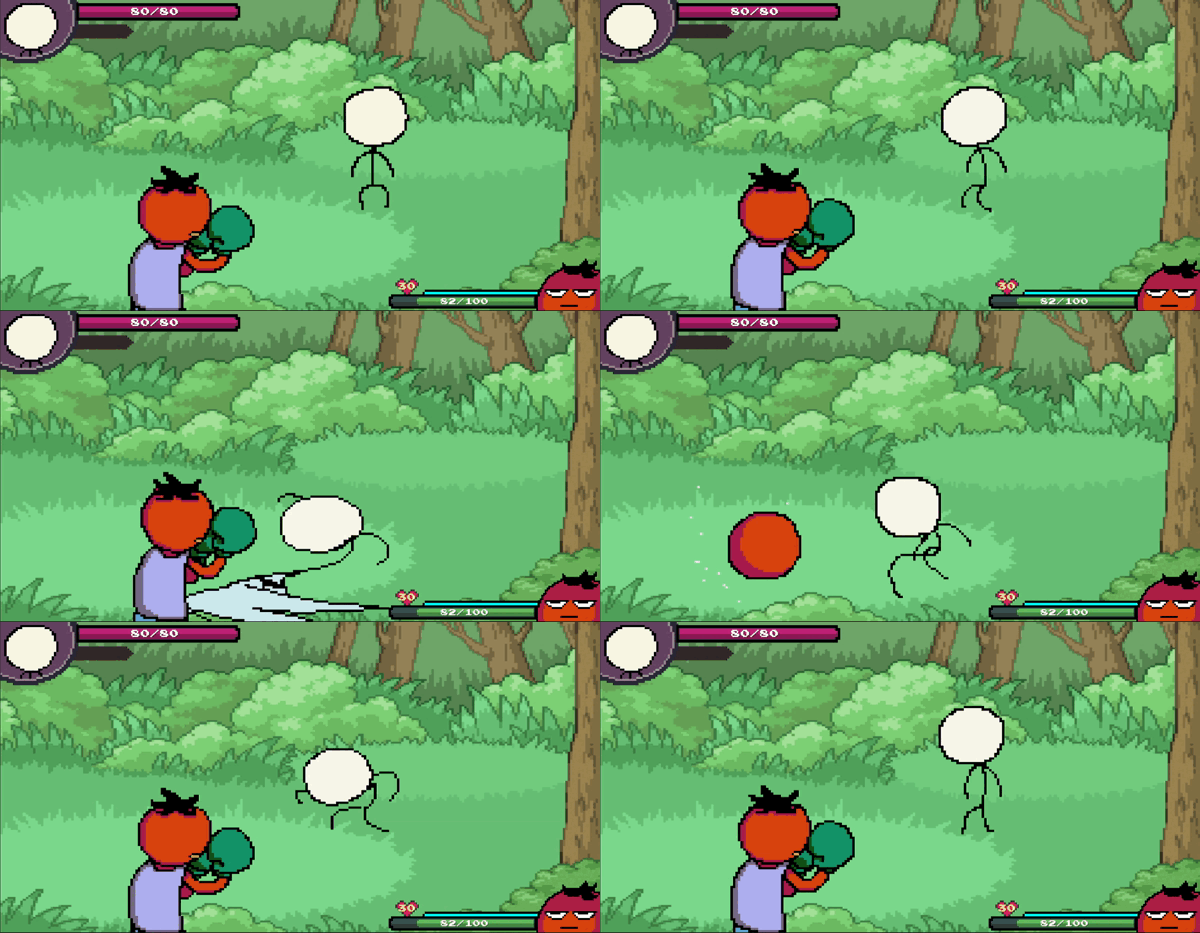
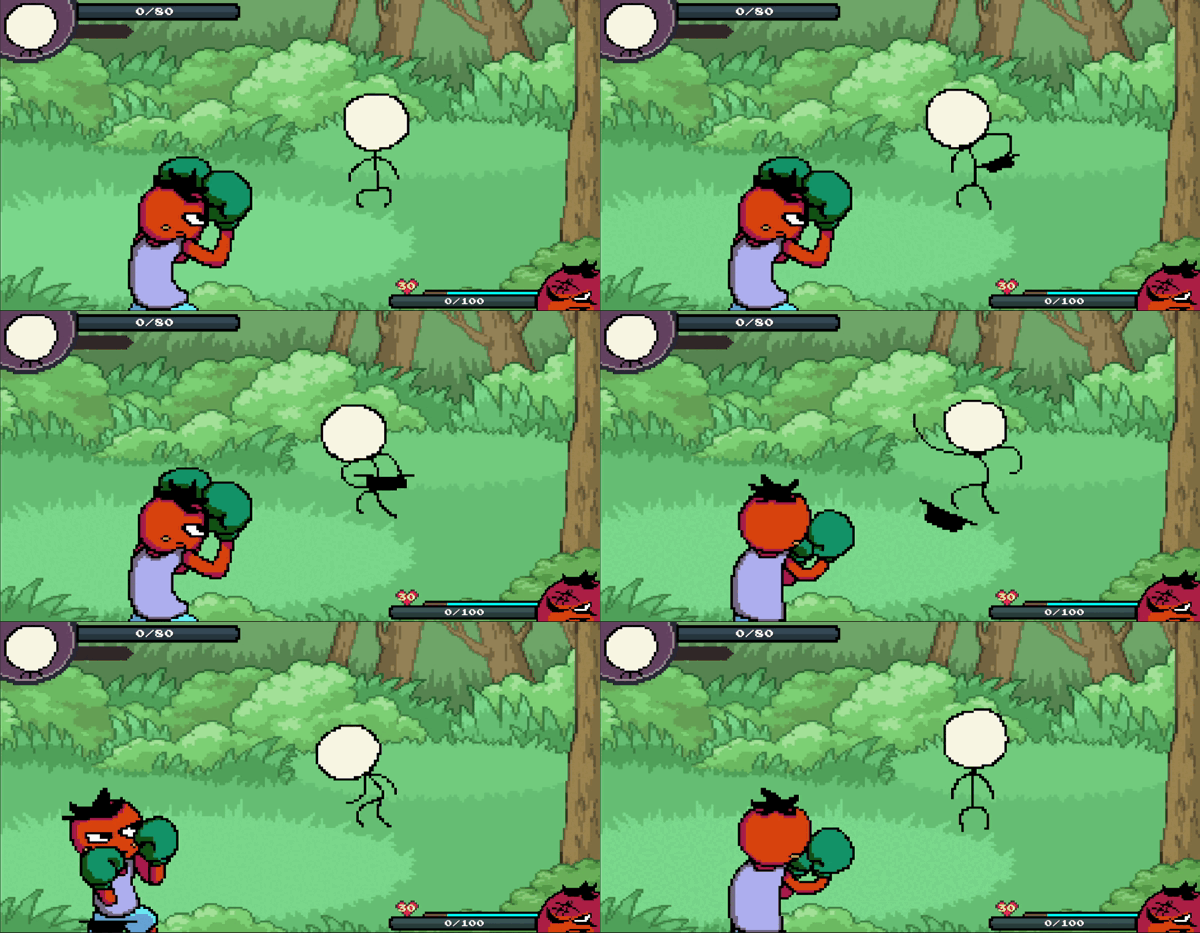
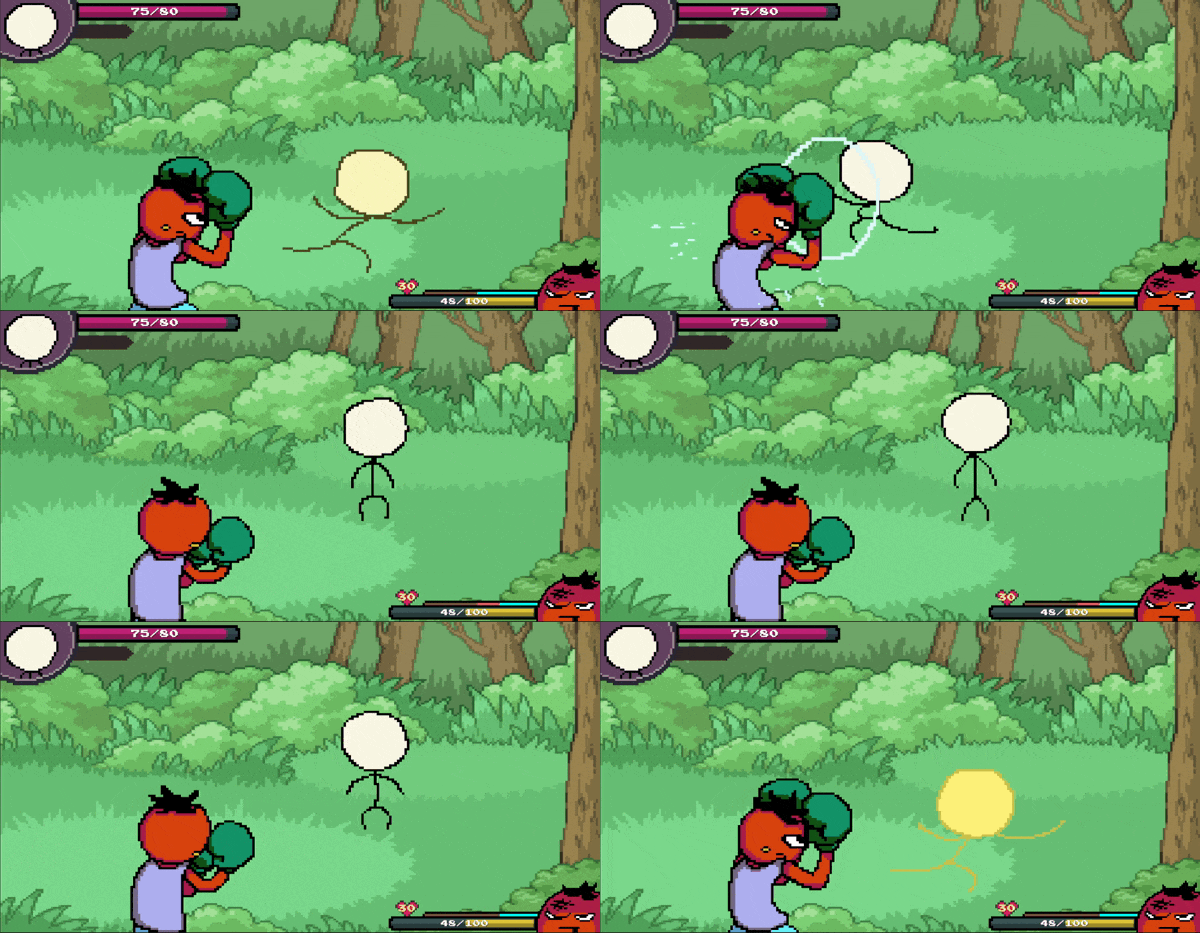
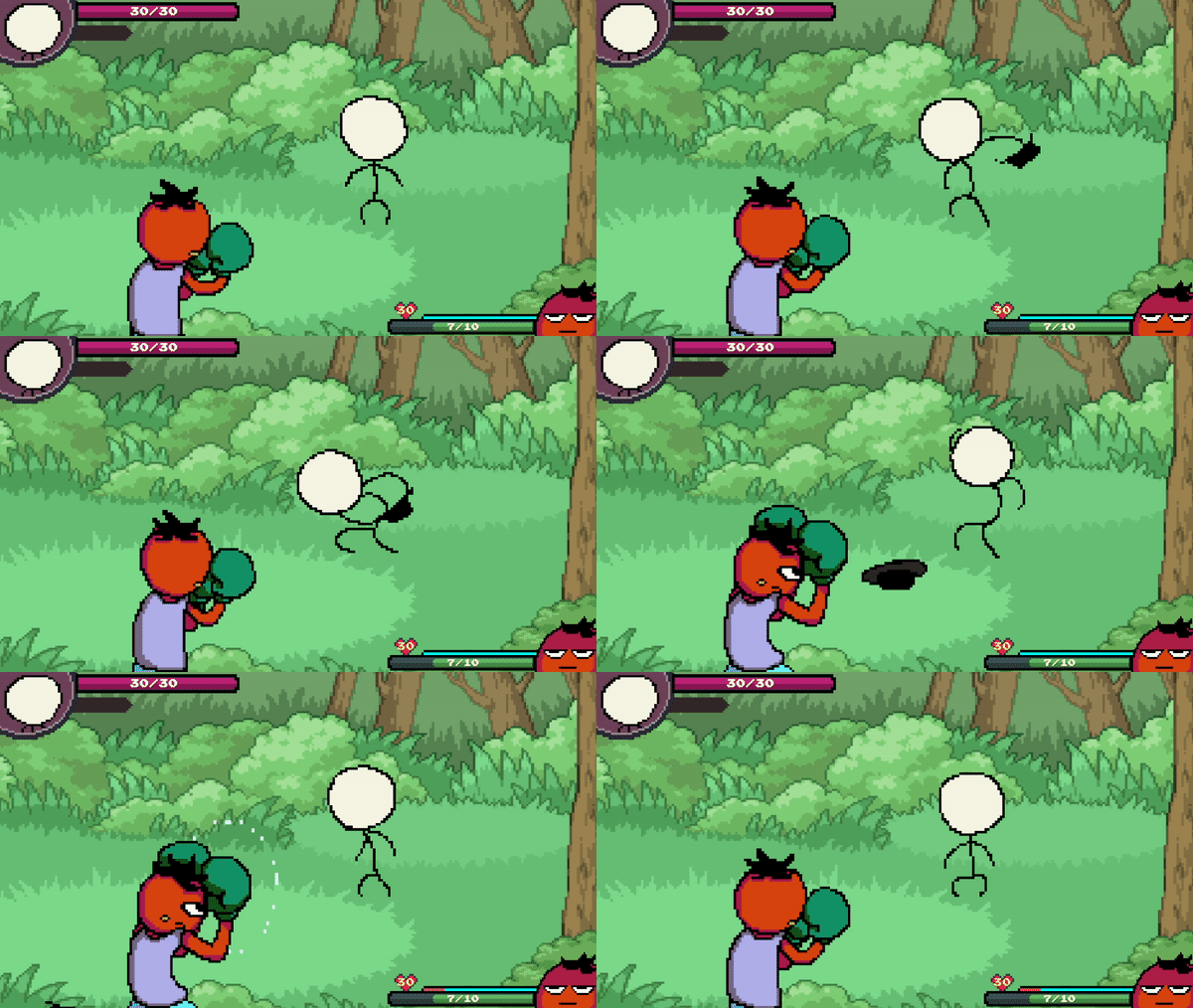
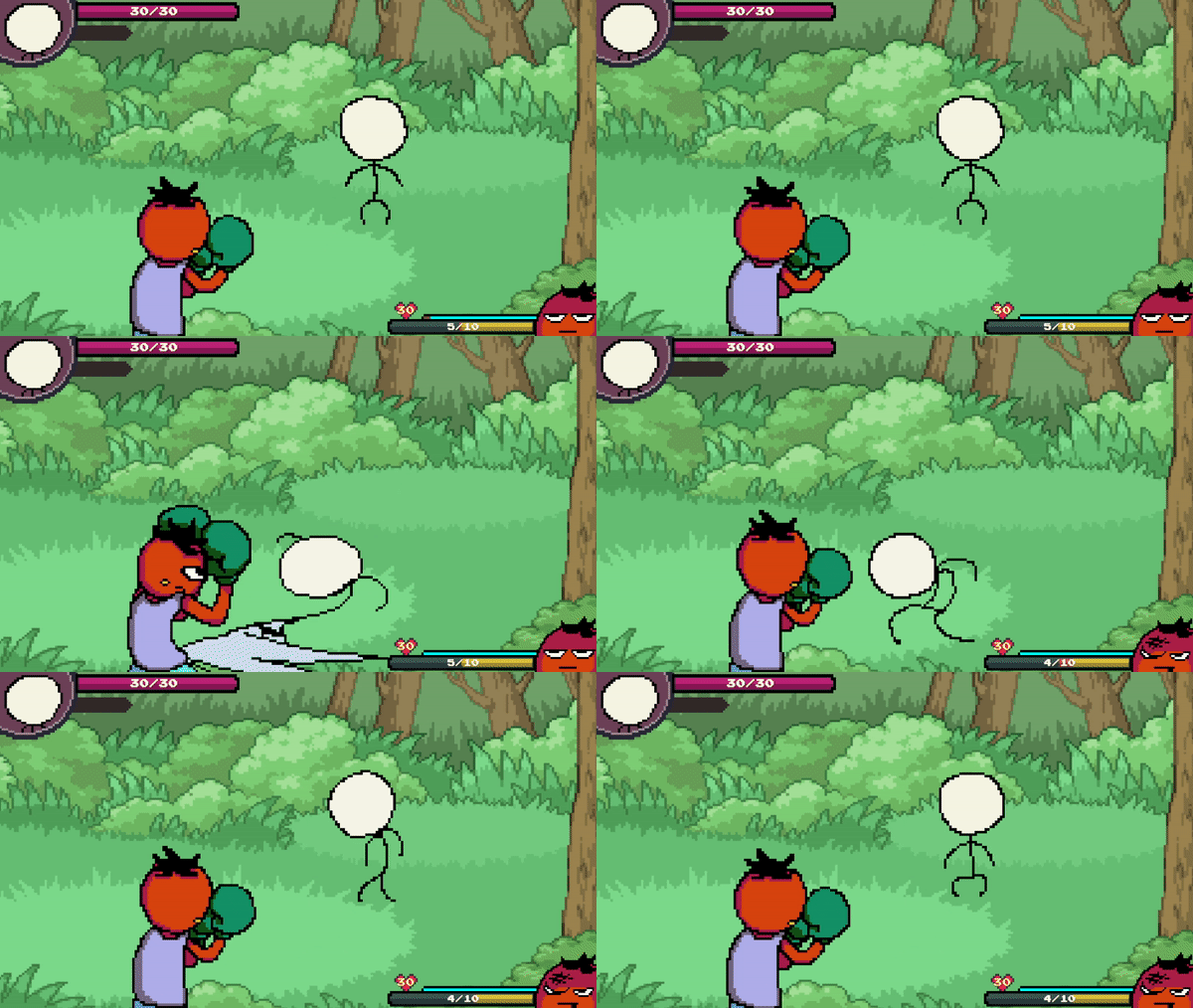
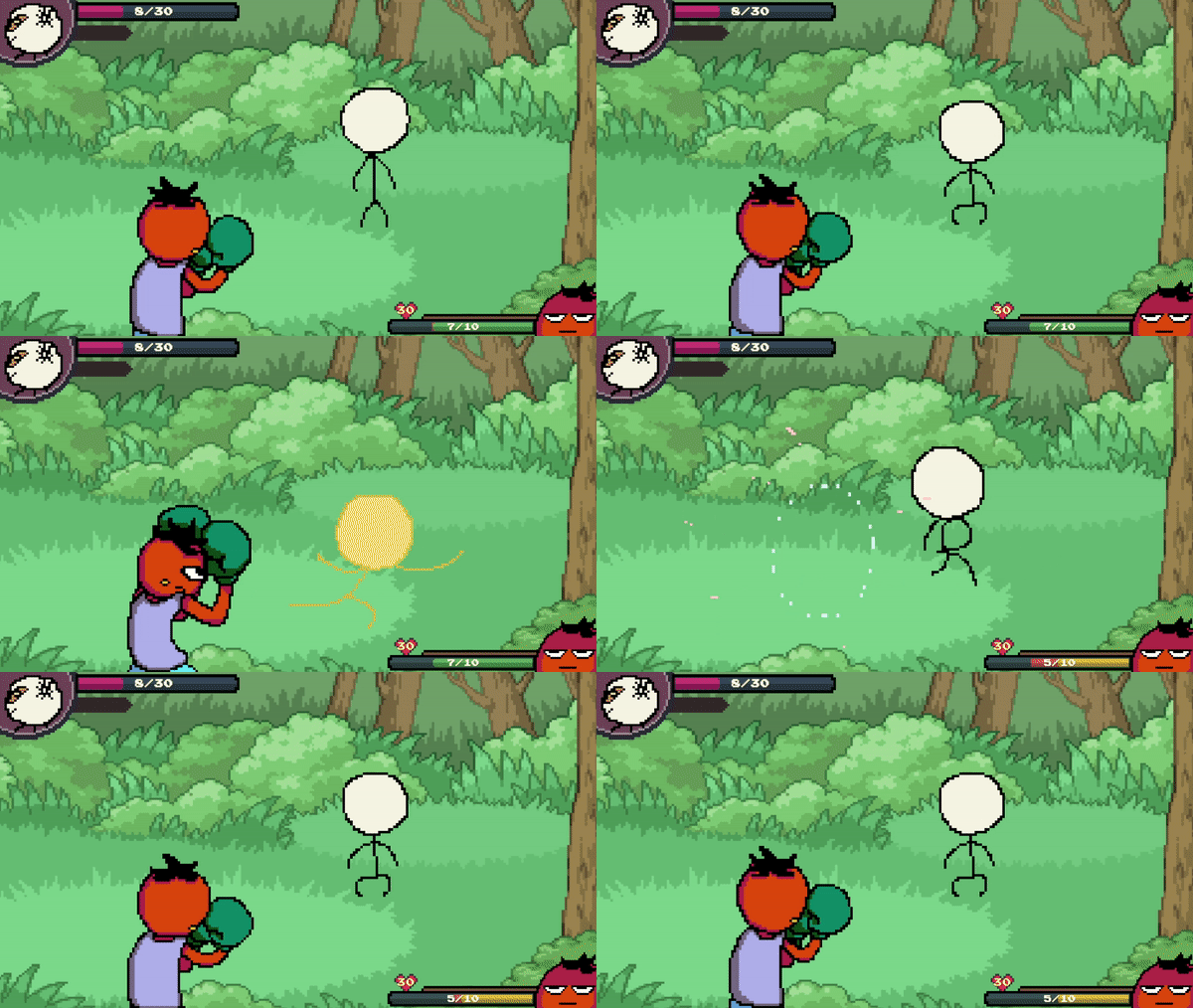
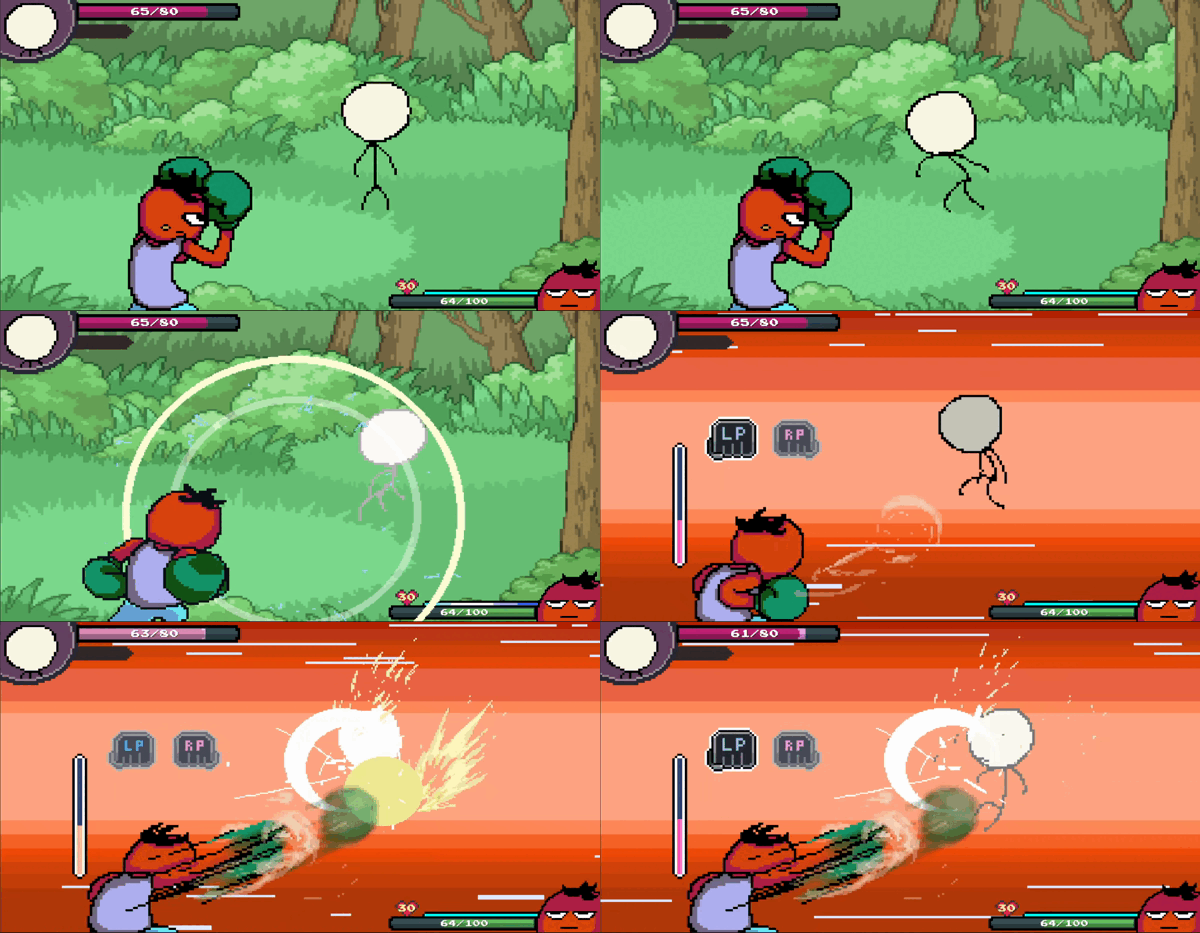
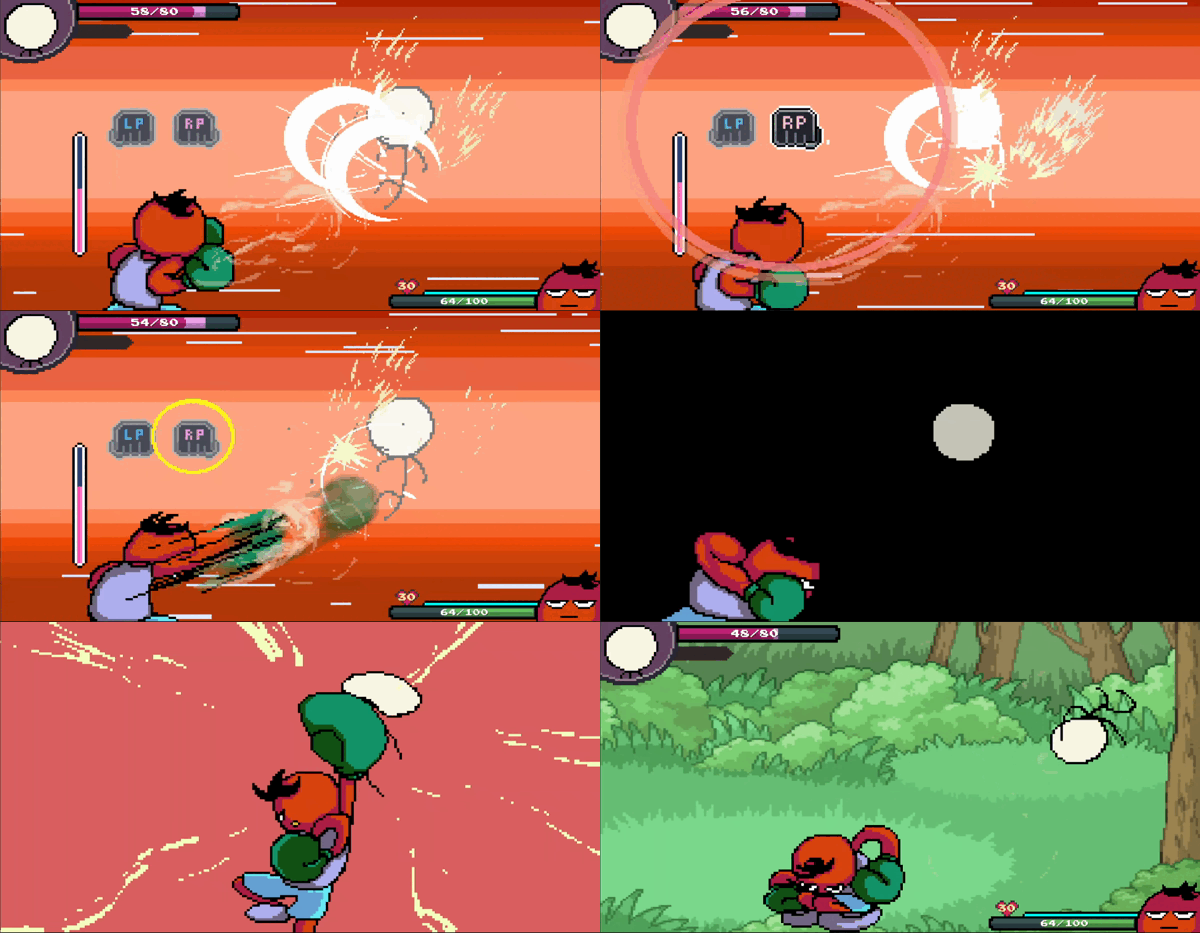
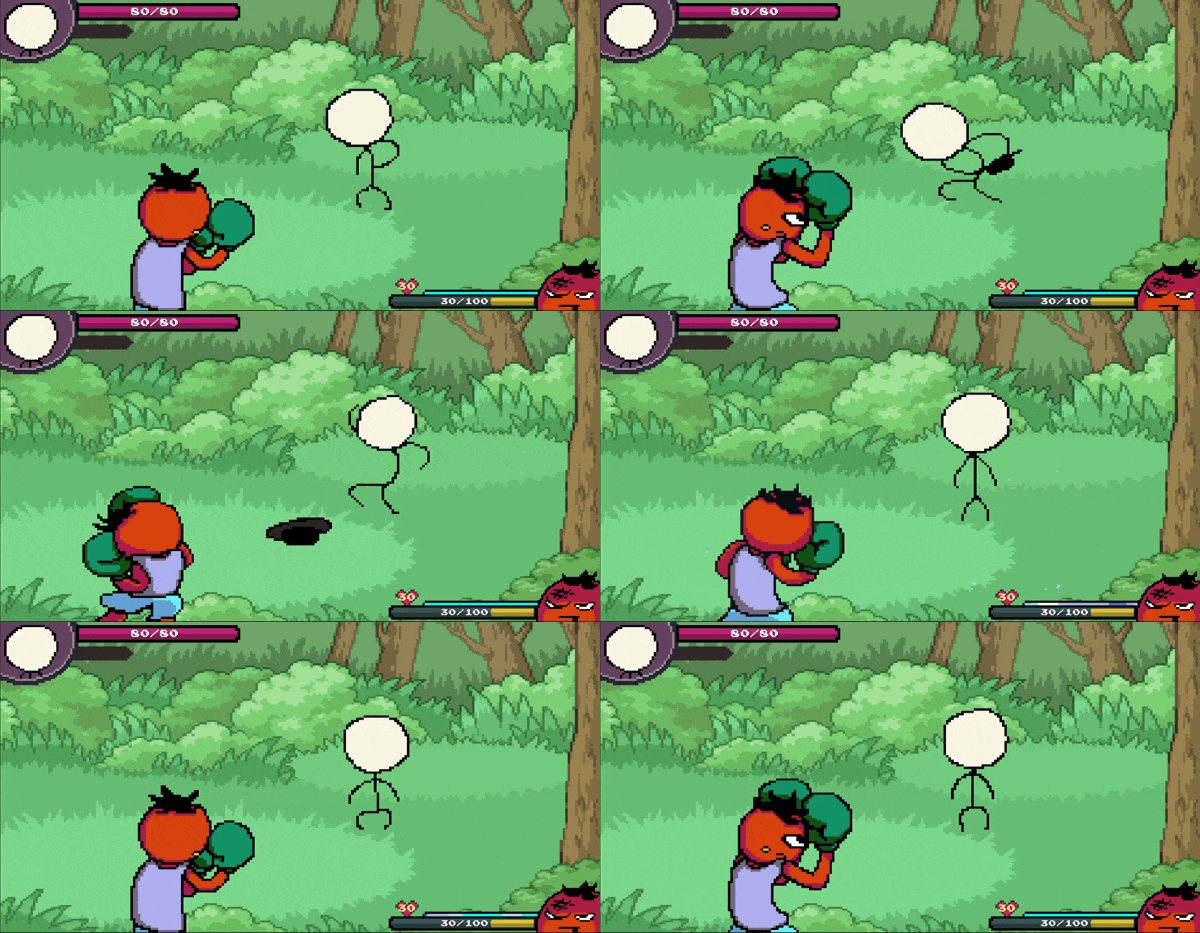
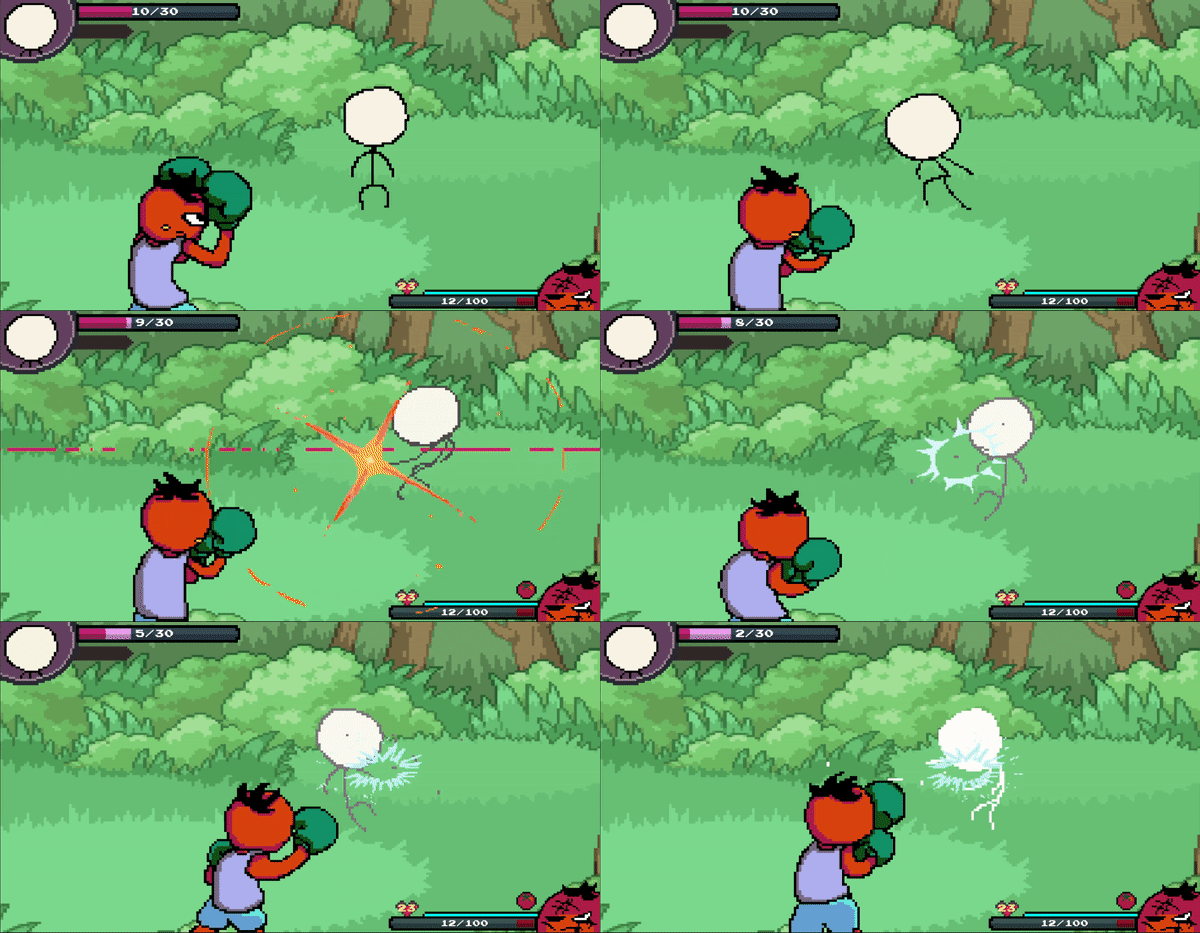
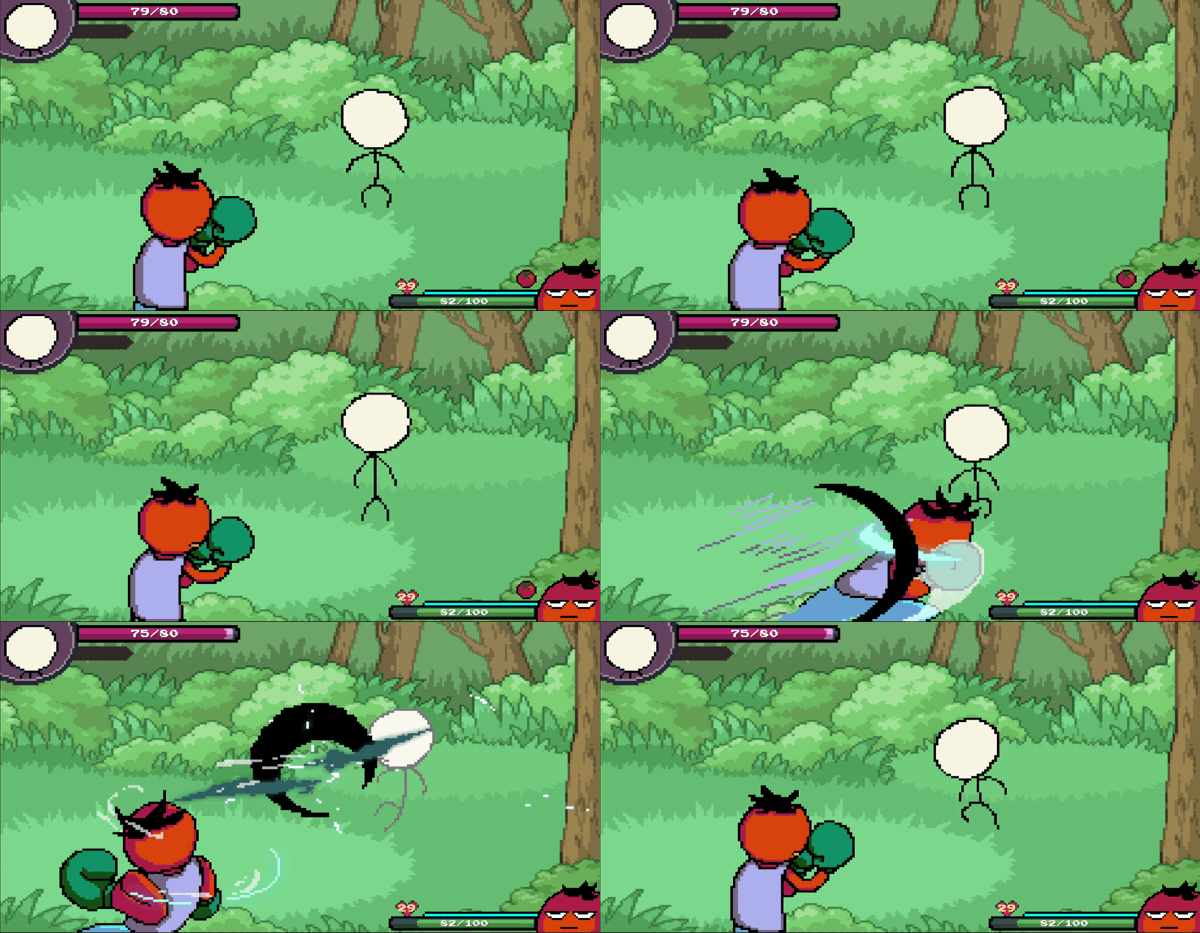
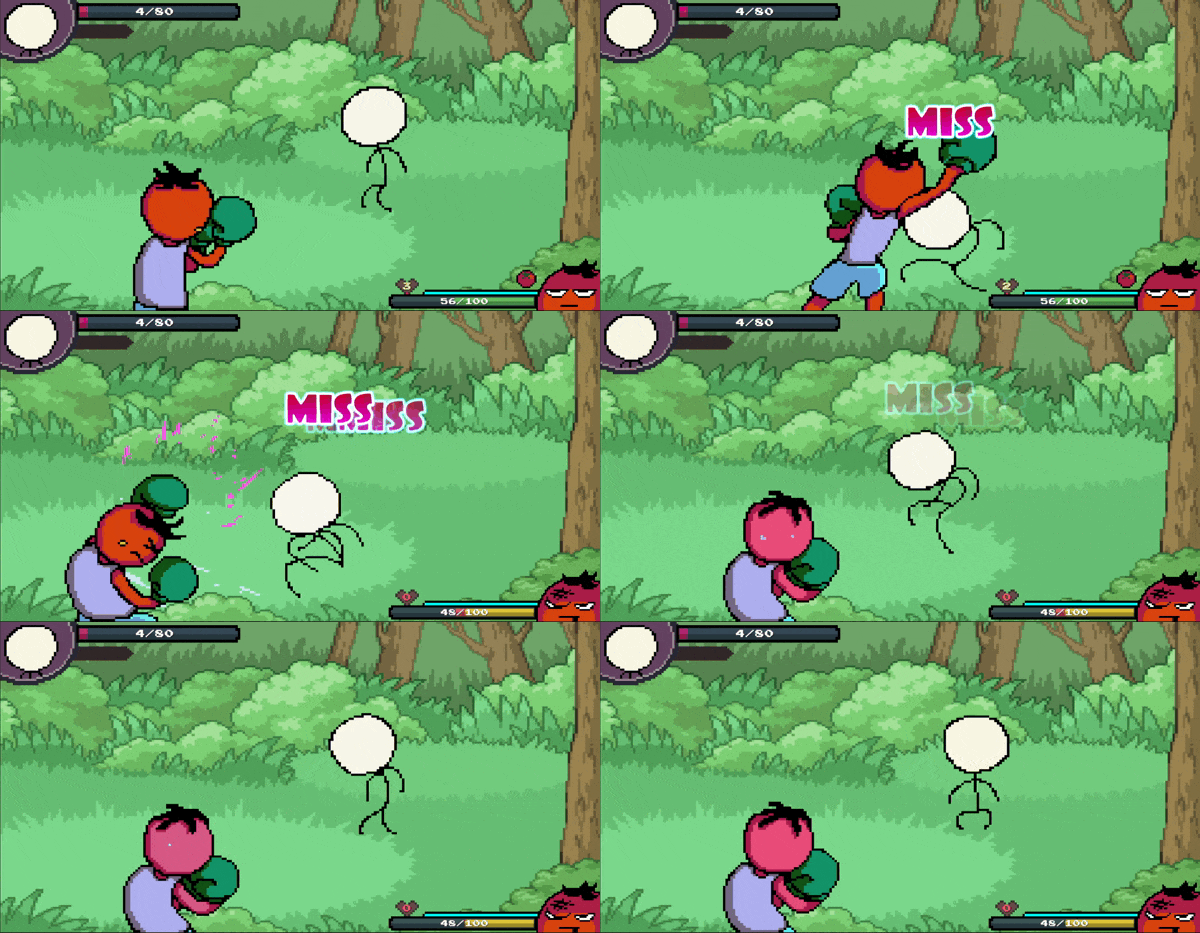
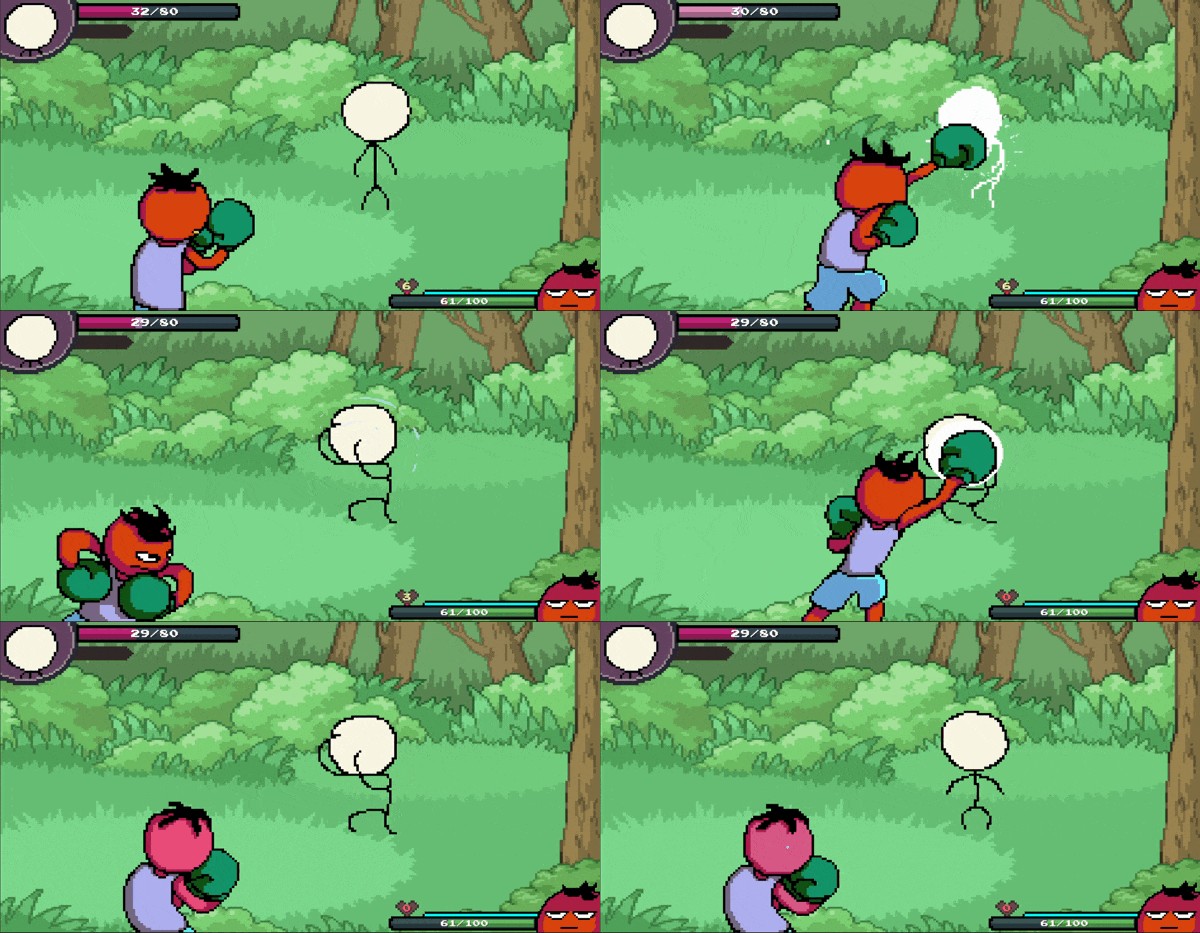
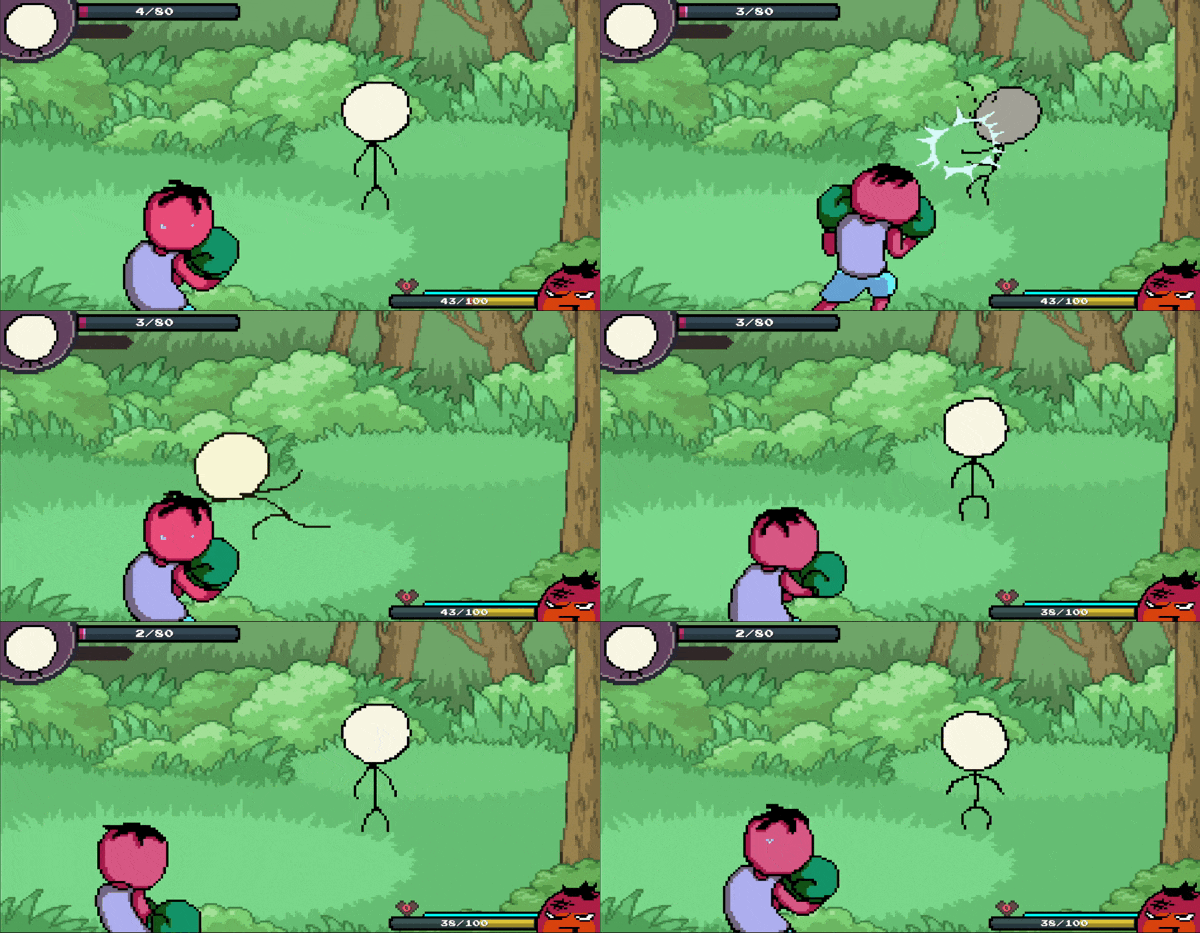
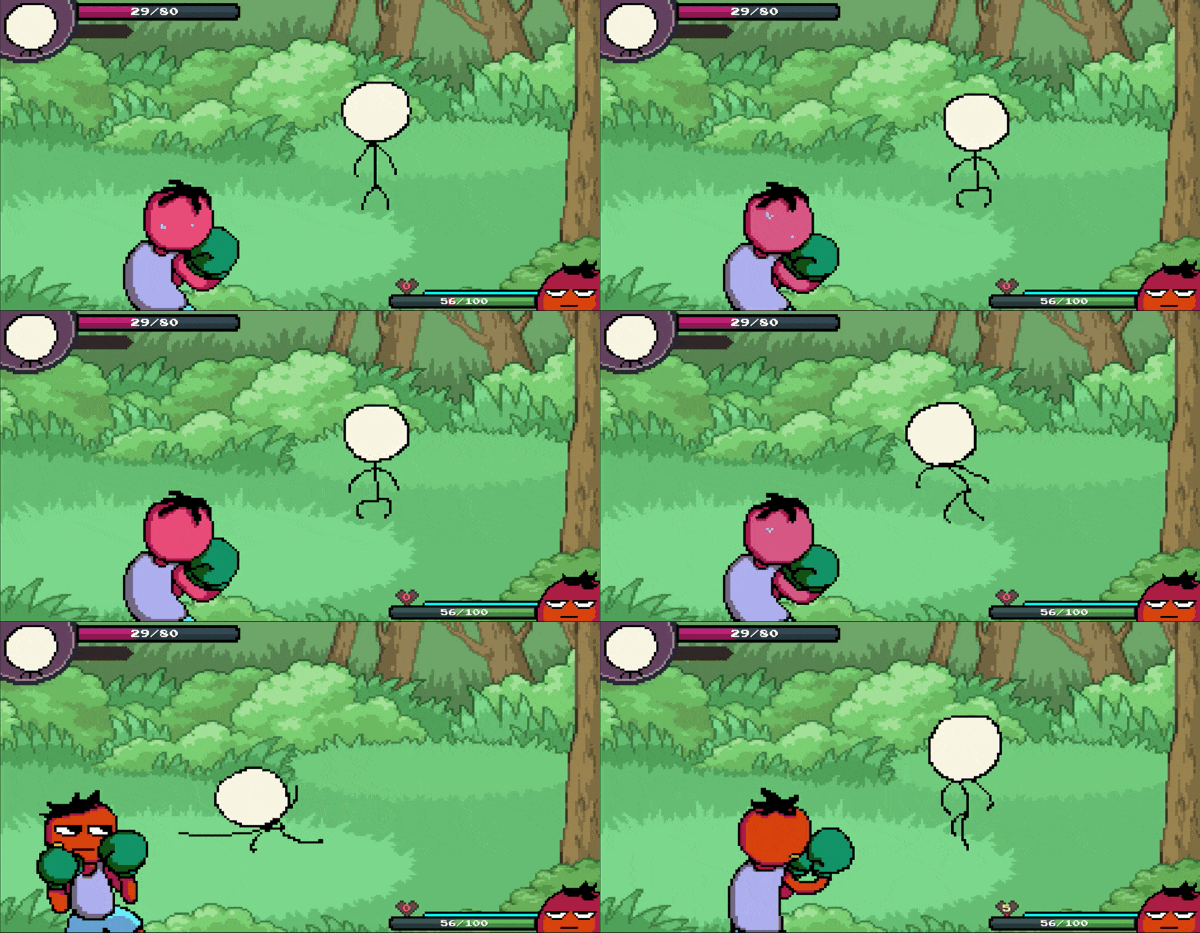
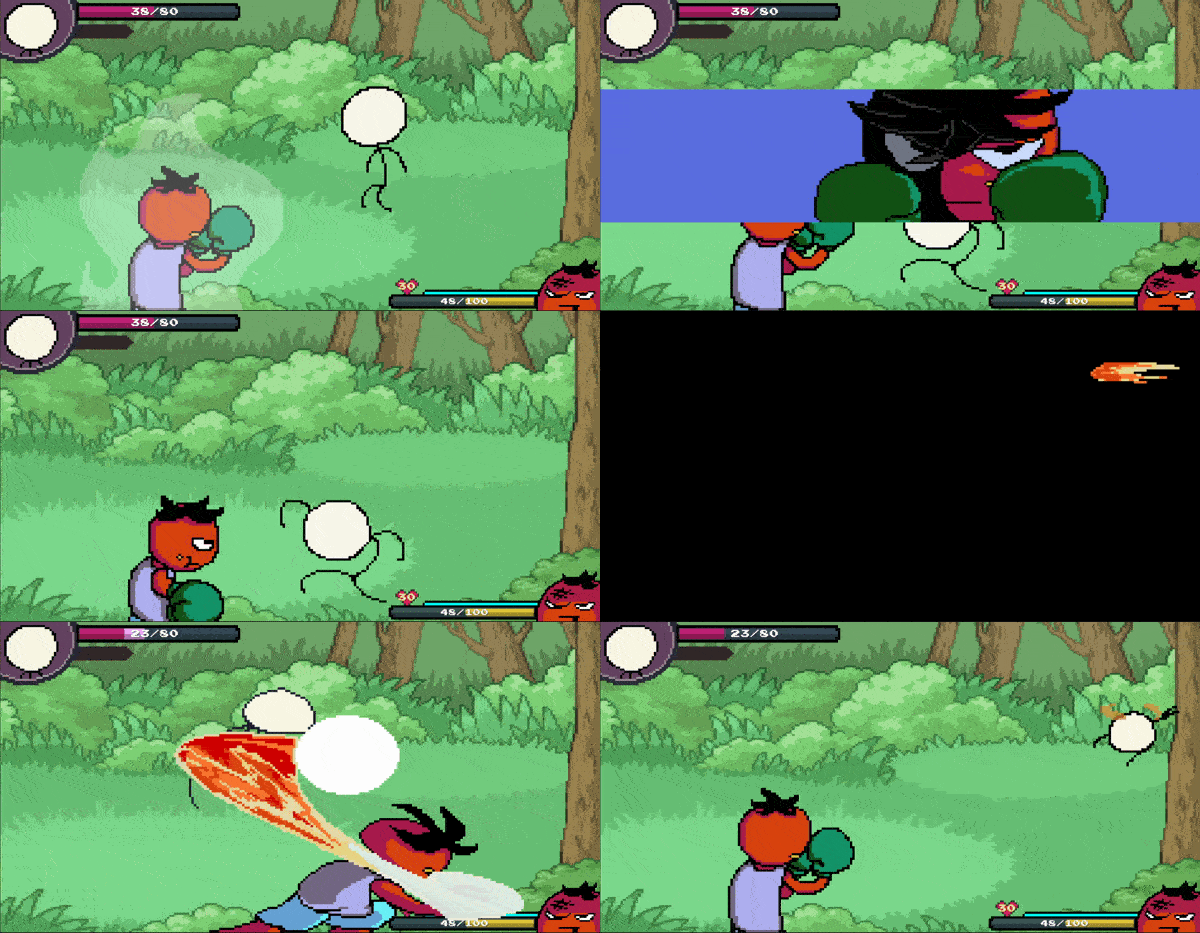
Not a single thing was changed visually.
I learned about FSM structures during a game dev programming course I took last year.
Although it may not be a perfectly designed FSM architecture, I tried my best to imitate what I learned.
For example, instead of implementing every battle-related action in the player script,
I created multiple classes that represent the player’s states,
along with a StateContext class that handles transitions between them.
So when the player presses the punch key, the player transitions into the PunchState class,
and executes actions based on that state's logic.
I also applied this structure to enemies as well.
Also, originally I had implemented skill logic directly inside the equippable item class.
But I didn't think keeping item logic and battle logic together was a good idea,
so I separated the item classes from the skill classes.
Honestly, rewriting the battle system felt like a huge grind.
But I felt so much accomplishment afterward,
because now I don't have to stare at my code for 3+ hours every time I want to add a new feature.
[ Refactoring Inventory UI ]
For the inventory UI, I remembered a friend telling me that it looked a bit bland.
I had kept that in mind for a long time, since I somewhat agreed with his thoughts as well.
But at the same time, UI design felt very difficult for me.
I ultimately thought that implementing gameplay was more of a priority, so I kept postponing it.
However, the UI related logic that I had written a long time ago
started to feel like it was getting in my way
every time I tried to do something new with items.
More specifically, whenever something didn't work as intended,
I had to sit down for a good amount of time
and wrap my head around how the inventory UI was being updated.
So similar to the battle system, I decided to throw out the old inventory code, and rewrite it.
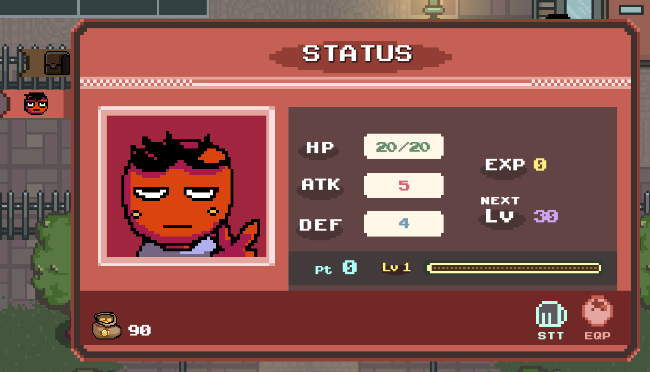
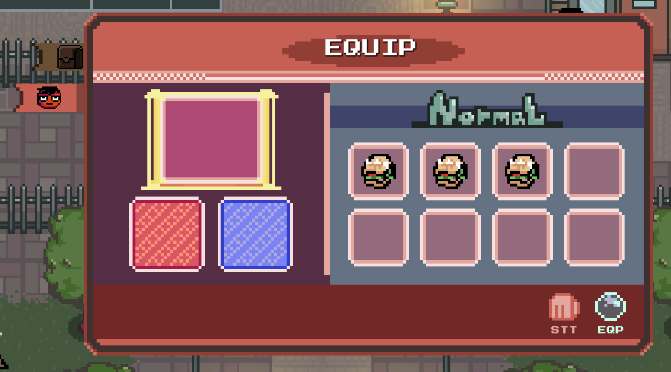
And at the same time, I felt that this was the right moment to update the visuals as well.
I learned about using color palettes,
so I tried out a palette named Twilight 5, created by Star.
I also looked at how other games designed their inventory UIs
and tried to figure out which kind of UI I personally liked the most.
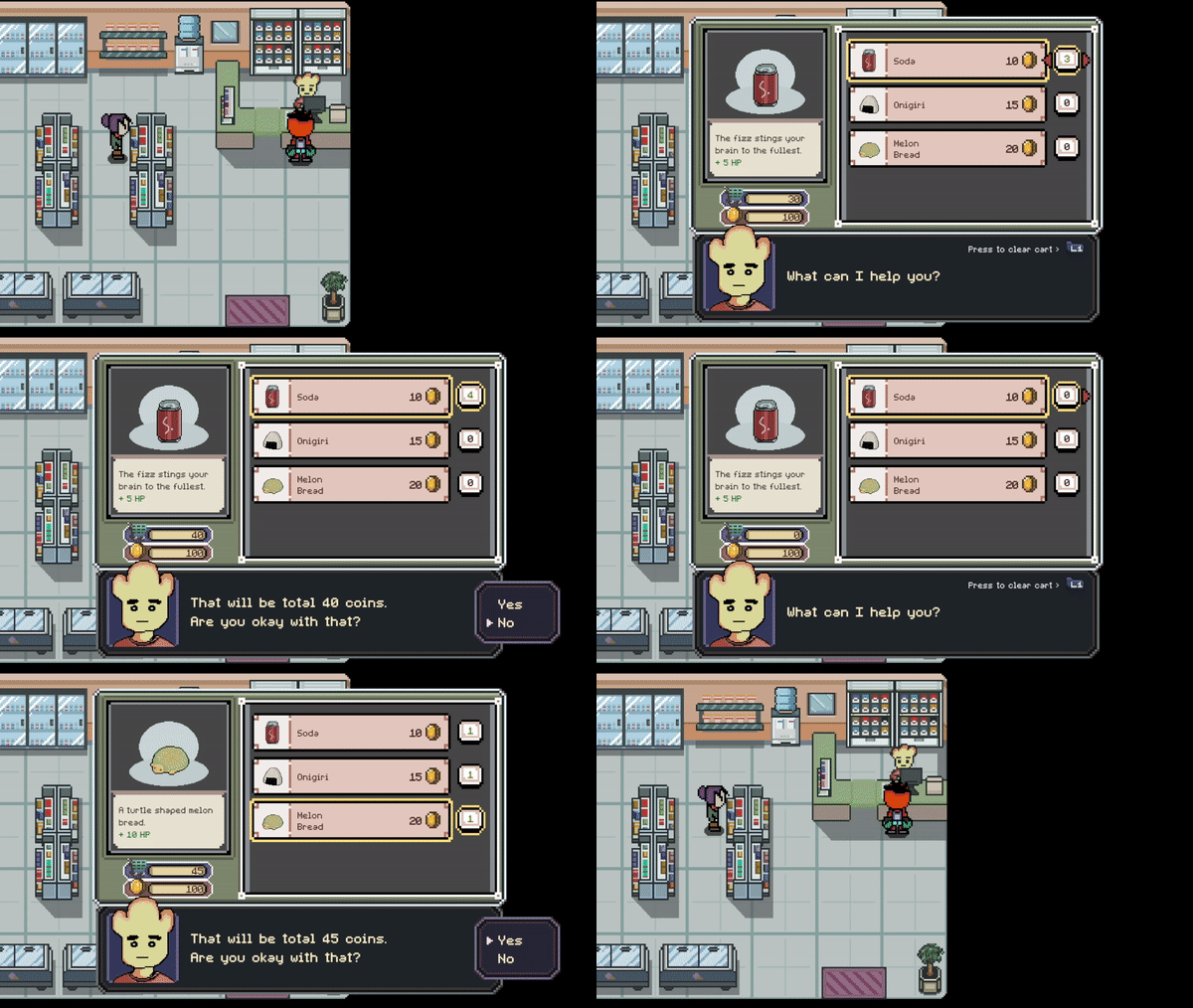
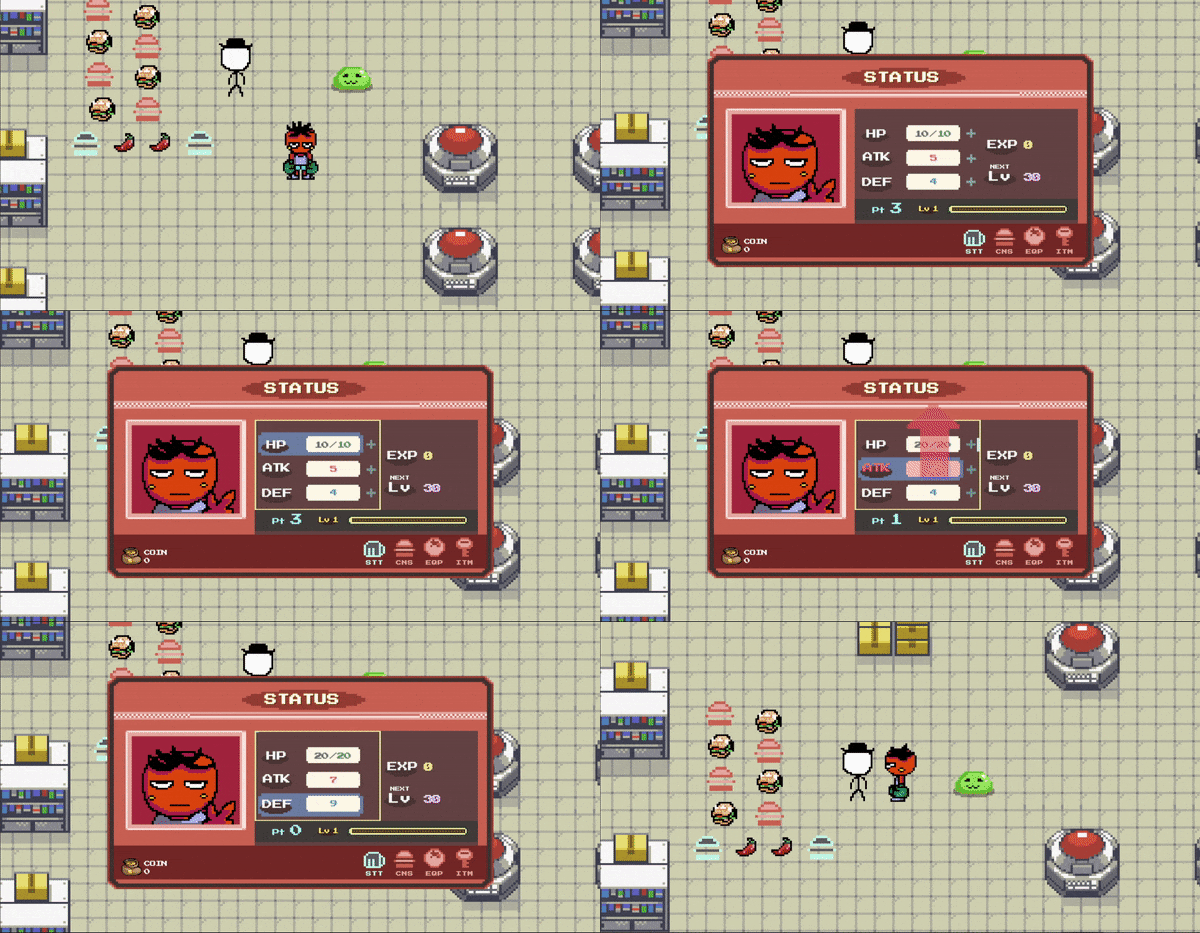
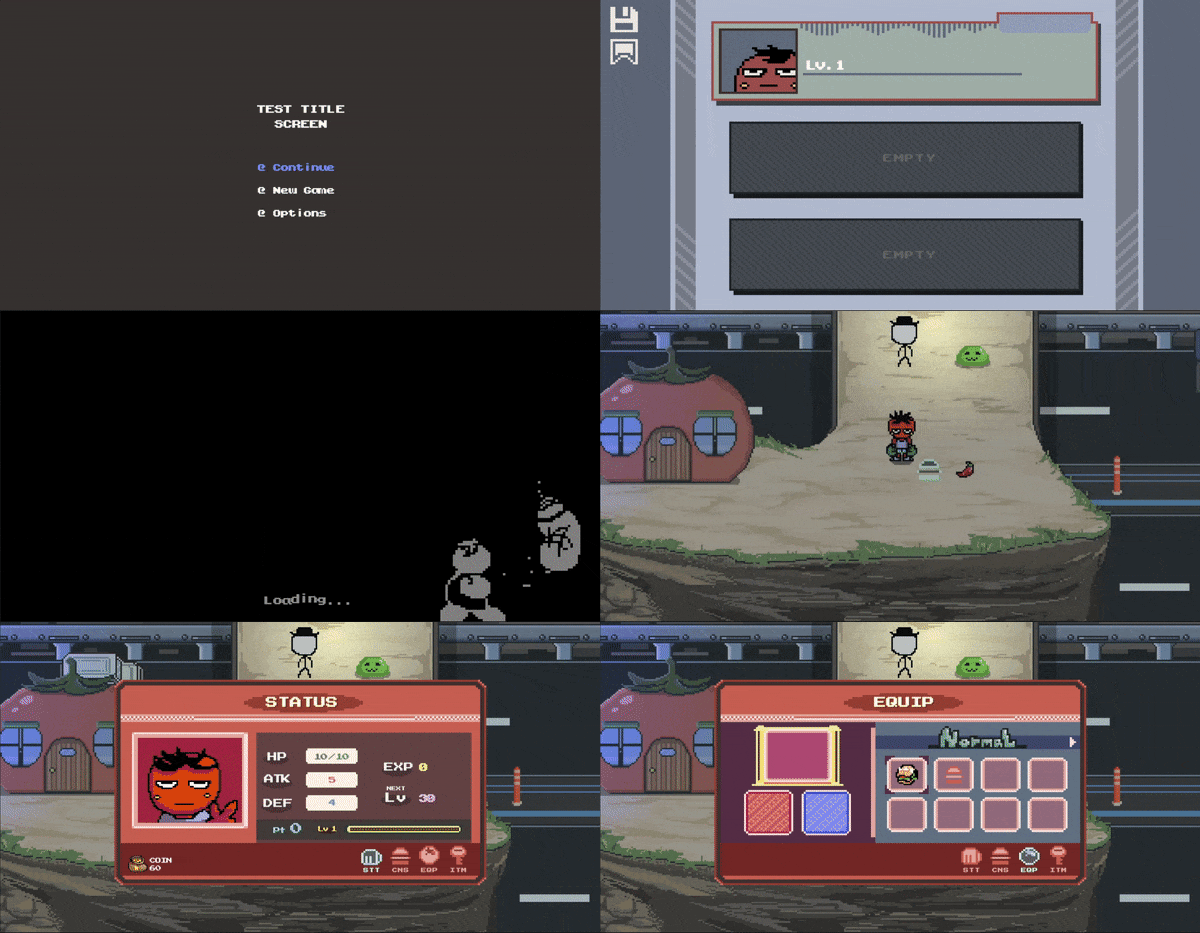
=== Old Inventory UI ===
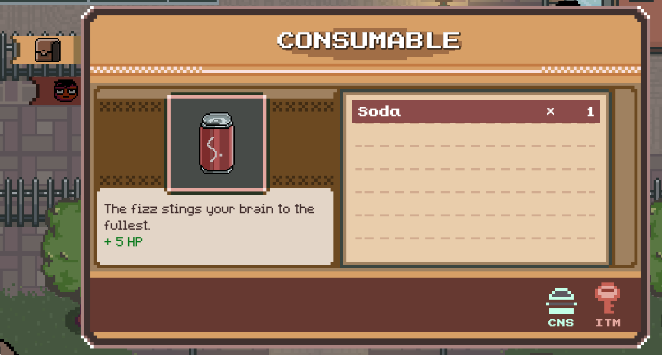
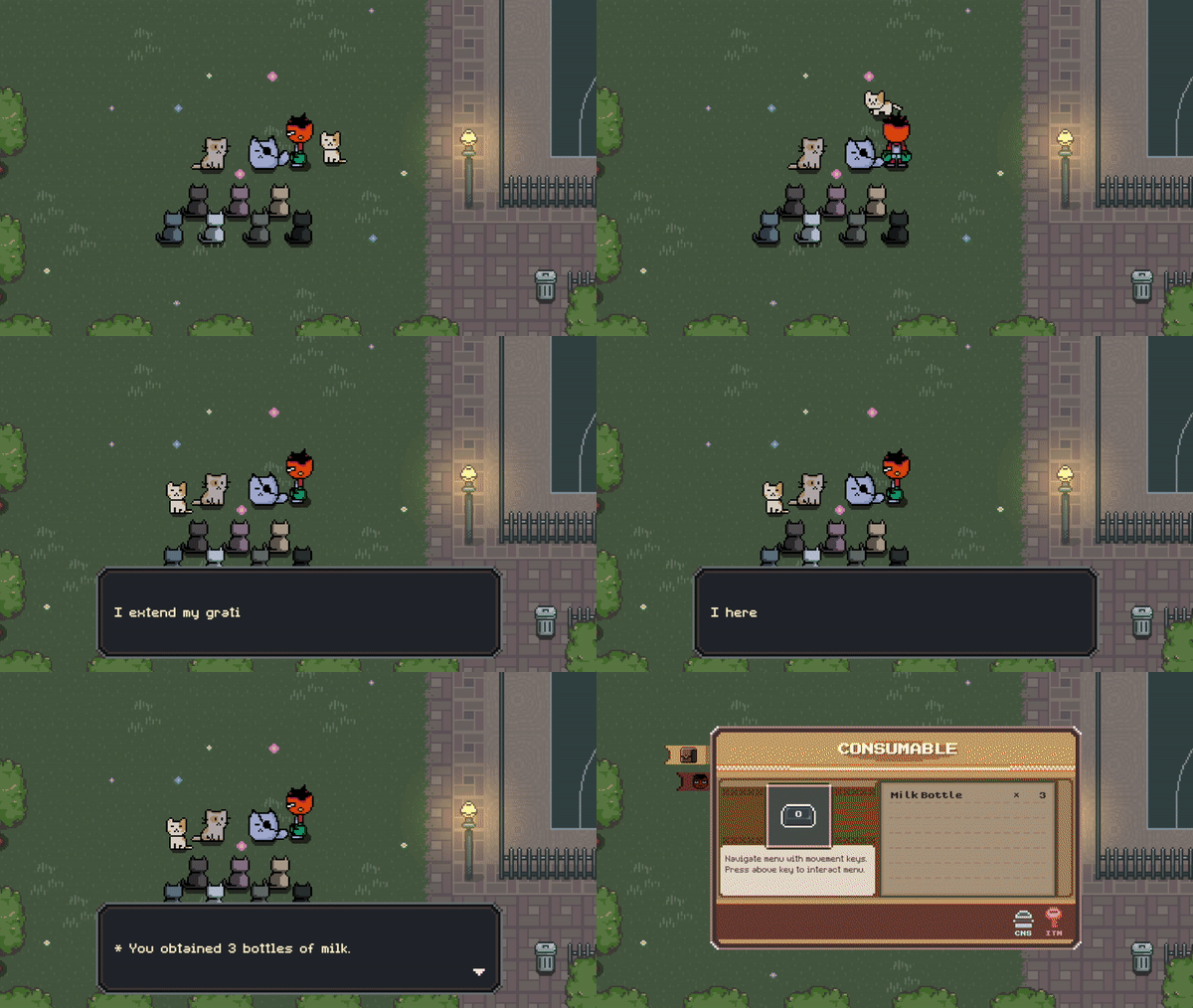
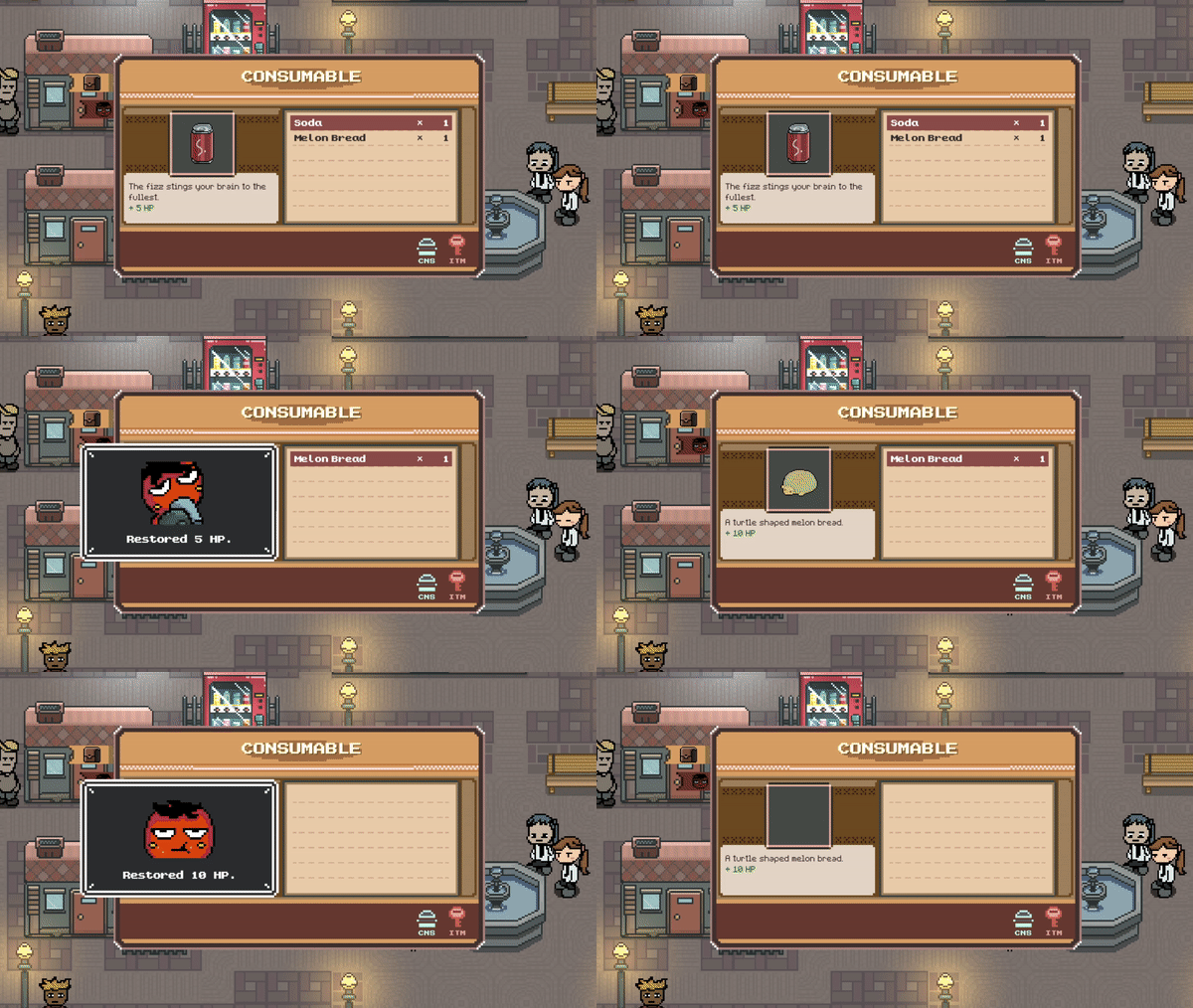
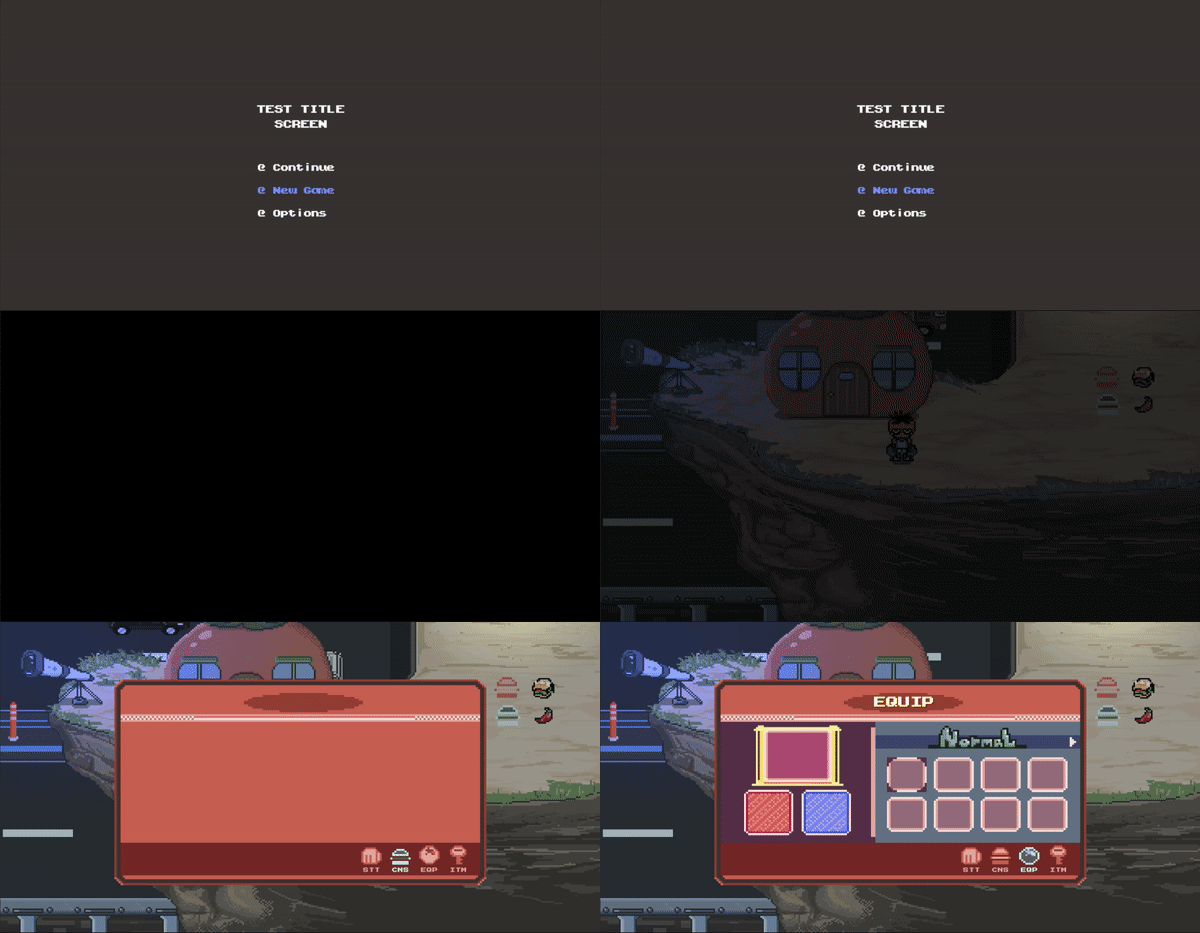
=== New Inventory UI ===
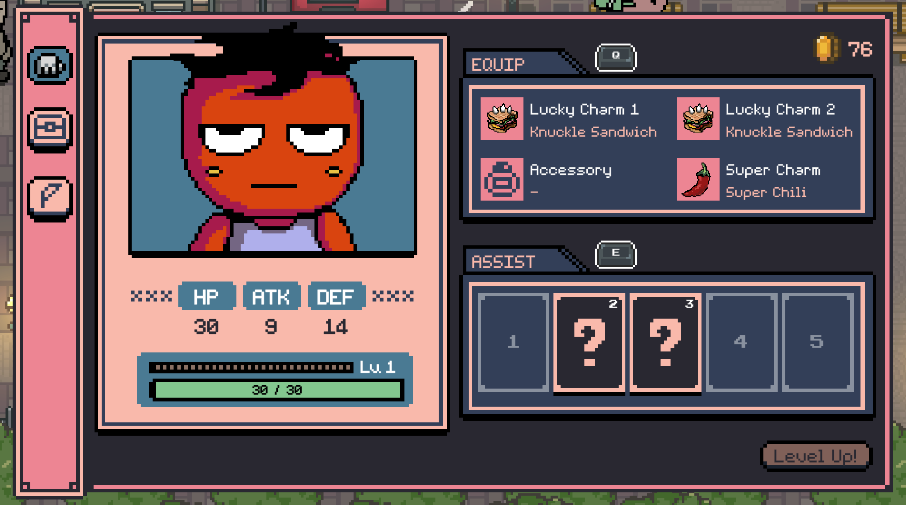
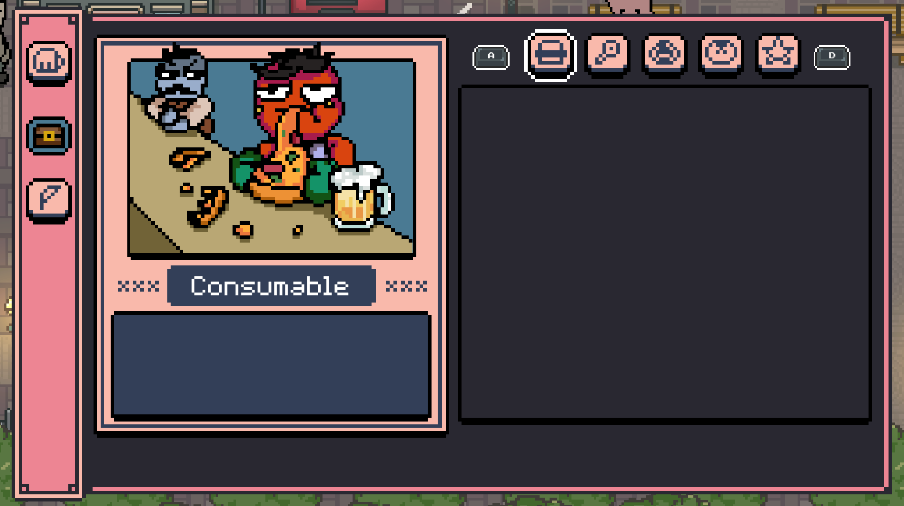
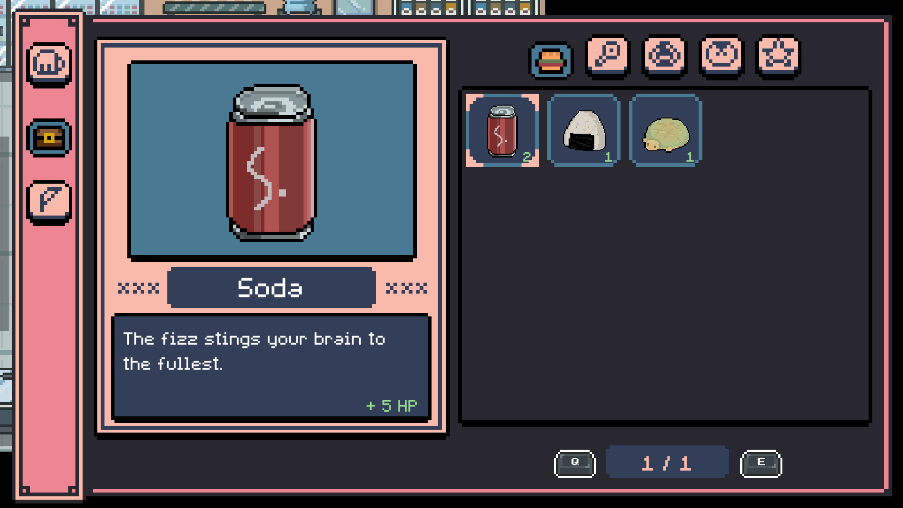
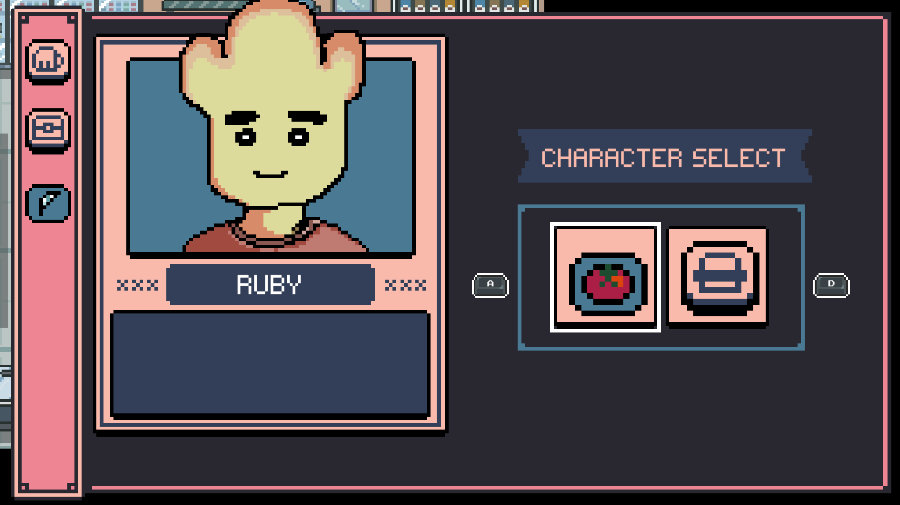
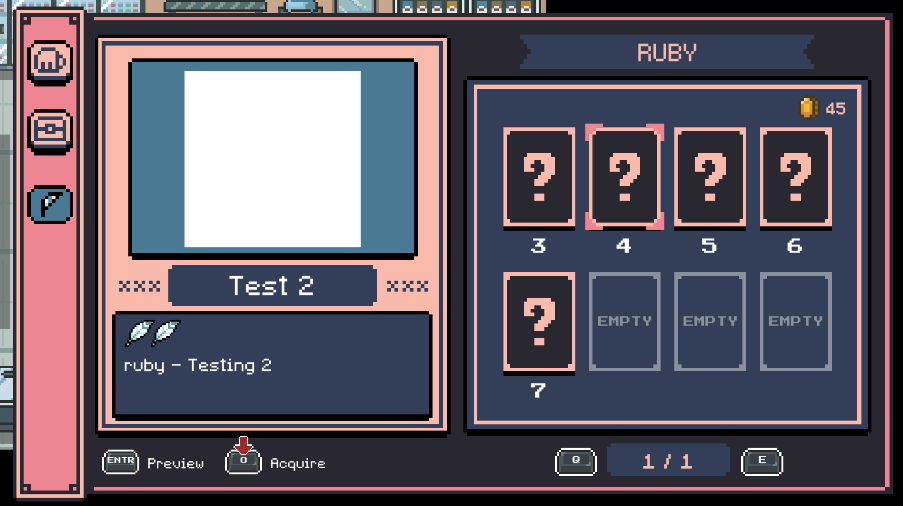
There are still several placeholder / blank images that I need to update in the future.
But overall, the new inventory system works as intended, and I'm very satisfied with the result.
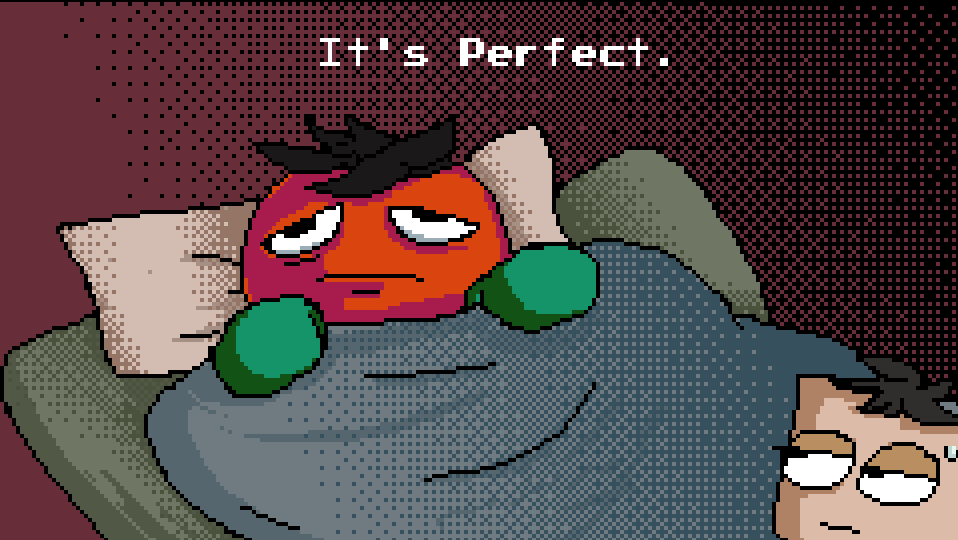
I especially had a lot of fun drawing the item menu portraits.
It felt very satisfying to express Mato's character through the UI design as well.
I aimed to give the UI a lightweight, cartoonish atmosphere.
[ Font Update ]
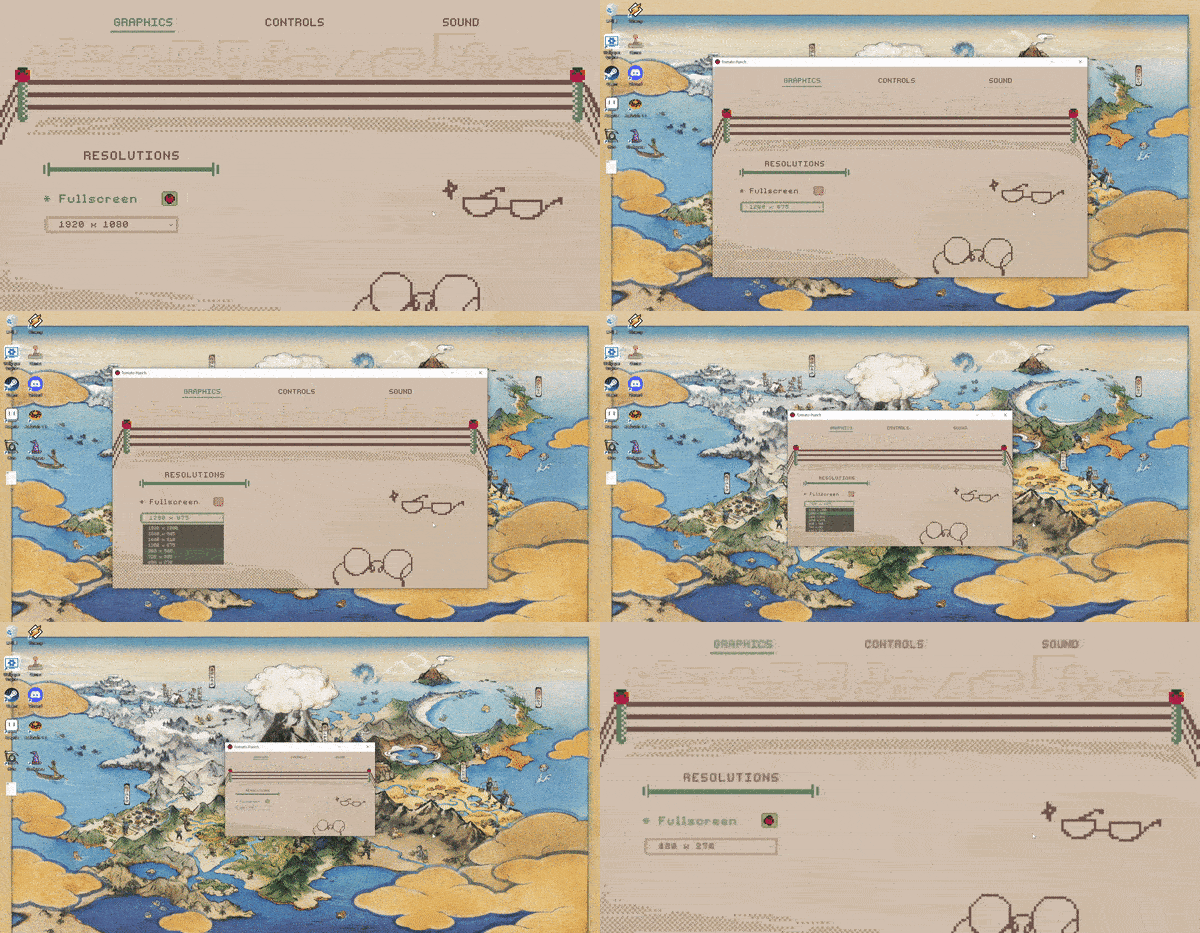
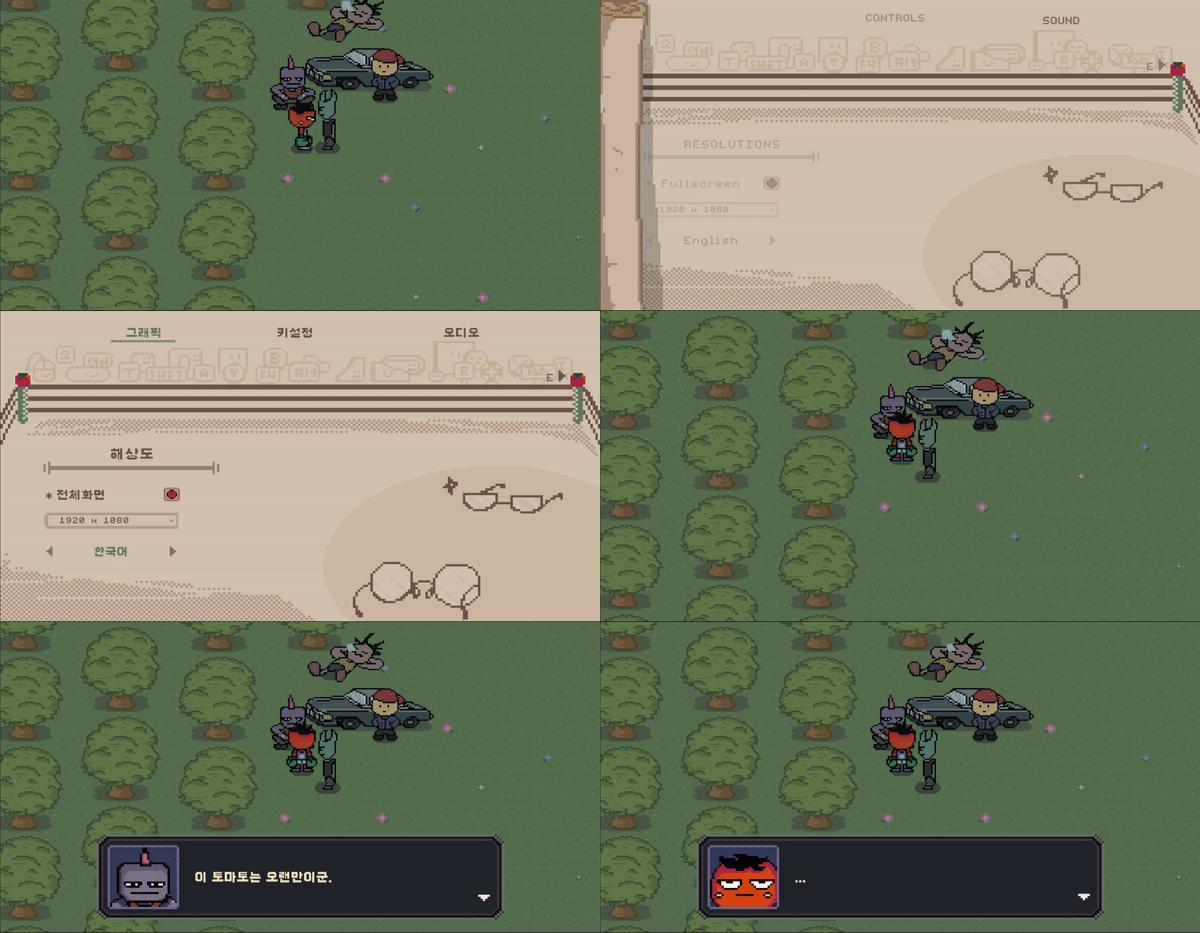
Previously, when changing the language mode,
the text font was updated by referencing a table specified in a .csv file.

The font settings were saved as strings, each indicating:
font name / font size / character spacing / word spacing / line spacing.
However, the problem with this approach is that every time I added a new UI text element,
I also had to update this table and manually specify its settings.
So instead of defining font sizes for every individual UI element,
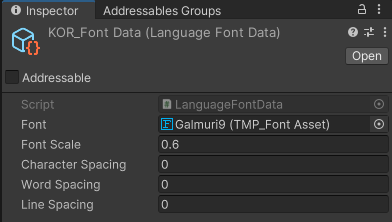
I used a float value that represents a scale factor.
Basically, each UI element stores its original font size at startup,
and the localization system updates the font size based on the currently selected language.
For example, since I’m developing the game in English, all UI font sizes are initially set for English.
If the current language is English, the scale value is 1.0,
meaning no scaling is necessary.
I also decided to assign a single font per language and store the font settings in a ScriptableObject.
This way, I only need to access this data whenever the language changes.
===
Now that I'm done with refactoring,
my next goal is to finally move on to creating the next region.
I can't keep Mato stuck in the tutorial area forever!