On Sale: GamesAssetsToolsTabletopComics
Indie game storeFree gamesFun gamesHorror games
Game developmentAssetsComics
SalesBundles
Jobs
TagsGame Engines
0

Novaboard - Pixel art editor on the browser

A topic by marcel0ll created 10 days ago Views: 155 Replies: 4
Viewing posts 1 to 5

Hello all!

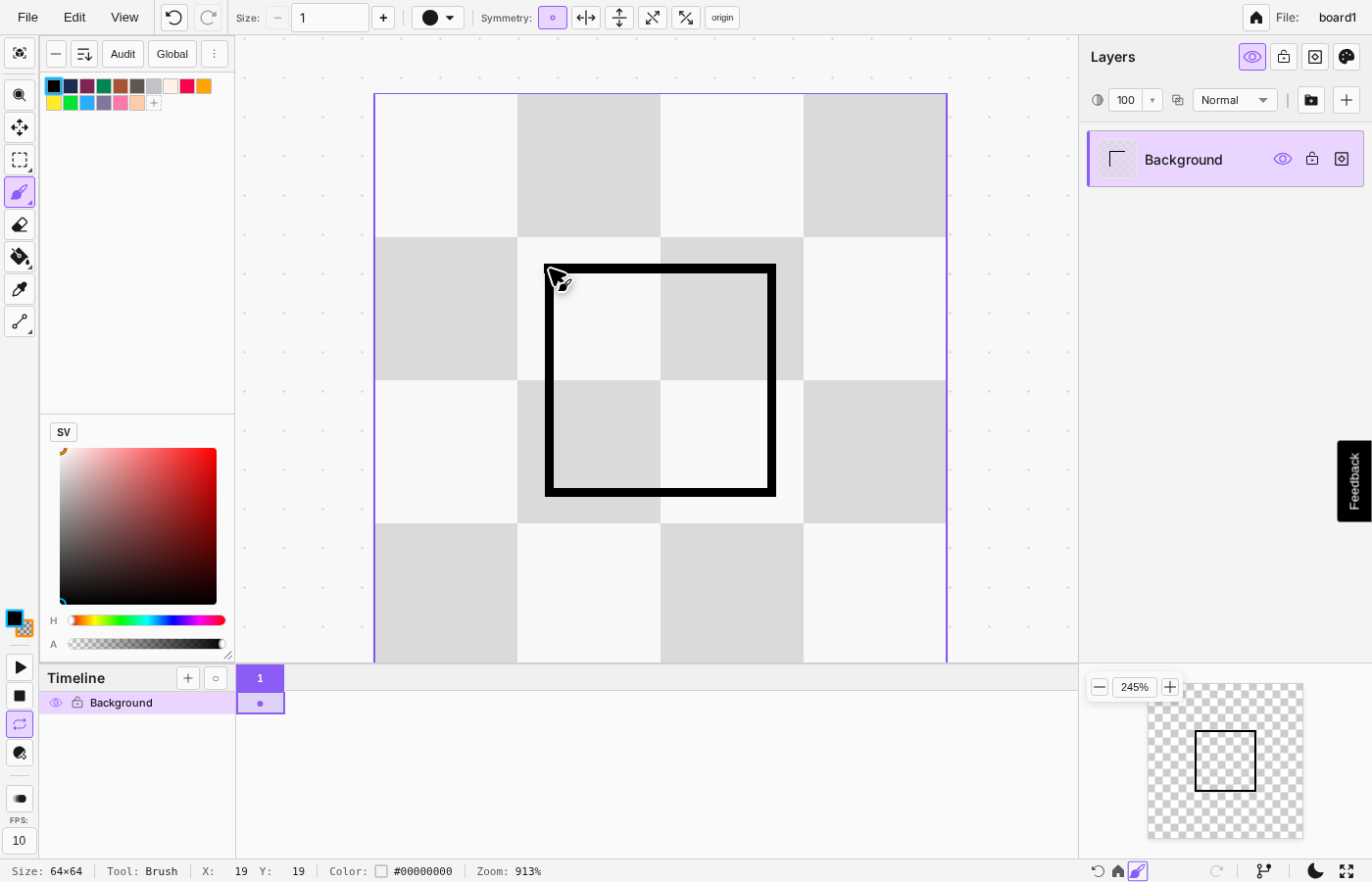
I am currently building Novaboard, a pixel art editor that runs directly on the browser. I am looking for general feedback about the app and its usefulness for artists and indie game developers.

Currently, the app is 100% free.

What Novaboard can do

  1. Free and runs directly in your browser - no download or account required
  2. Opens Aseprite (.ase) and PSD files - edit existing assets without buying software
  3. Infinite canvas with multiple boards - work on several sprites in one workspace
  4. Full animation timeline - frames, playback, and live preview for sprite animations
  5. Visual history with branches - undo/redo with full timeline, never lose a version
  6. Exports to sprite sheets, GIF, APNG, and timelapse - ready for your game engine or social media
  7. Auto-saves locally - your work persists even if you close the browser

looking good

I'll try it out! When I have something set up and inside my game, I'll let you know.

Thank you for checking it out! It still has a lot of room for improvement, so any feedback is welcome.

Hey all, version 0.3.0 is out now!

The full changelog can be found here

But the gist of it is:

Update v0.3.0

  • Improved canvas resize modal
  • fixed duplicate frame bug
  • added new layer effects system
  • perceptual color correction options

I am planning what to work on for the following updates. I will probably add import/export from the GraphicsGale format, and I am thinking of adding a sprite stack visualizer/preview option.

If anyone has suggestions for next features, let me know!